
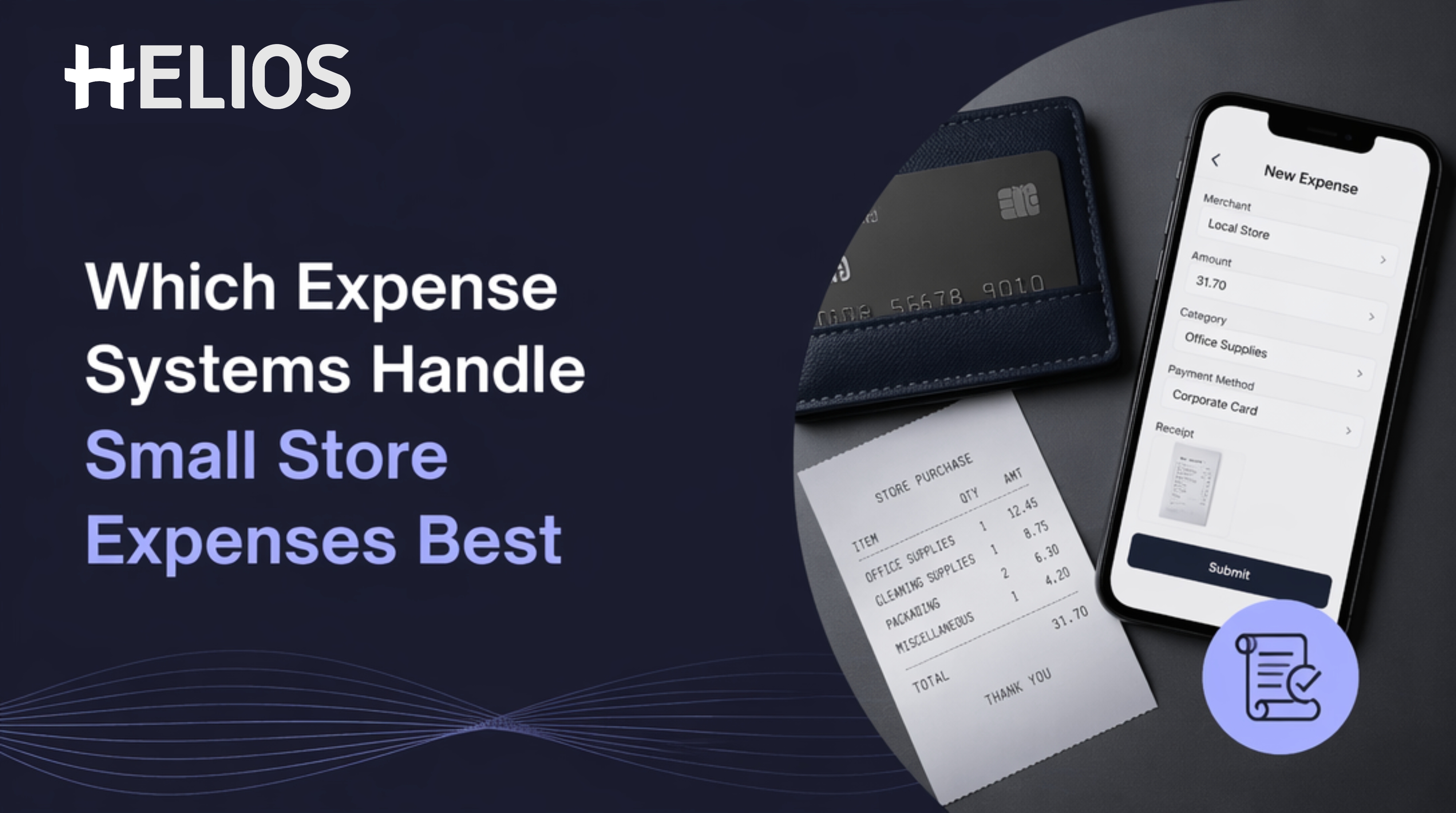
If you manage a store, you already know how messy small expenses can get. A few cash buys, a stack of fading receipts, and one delayed reimbursement can quickly turn into a reporting headache.
The right expense system helps you track petty cash, capture receipts fast, and keep small purchases visible without adding extra admin work. In this guide, you’ll learn which types of systems fit store managers best, what features matter most, and how to choose a setup that keeps operations smooth.
Expense Systems For Store Managers: What You Actually Need
Store managers do not usually need a complex finance tool built for a full corporate accounting team. What you need is something that makes everyday spending easy to record, easy to approve, and easy to reconcile later. That includes small store purchases like cleaning supplies, register items, delivery fees, emergency fixes, and other low-value costs that happen often.
The biggest challenge is not the size of each expense. It is the volume and speed of them. If staff members wait until the end of the week to submit receipts, details get lost. If petty cash is tracked on paper, balances become hard to verify. If receipts are stored in a drawer, finance teams have less visibility and store-level spending becomes harder to audit.
A good system should solve three problems at once. It should let you capture a receipt quickly, assign the right category, and make the record available for review without manual sorting. It should also support the way stores actually work, which means mobile-first input, simple approvals, and reporting that does not require a spreadsheet cleanup session at month end.
For many retail teams, the ideal setup sits somewhere between a basic receipt app and a fuller expense management platform. Smaller stores may only need a lightweight capture tool. Larger retail groups may need a system that can support policy controls, budget visibility, and standardized reporting across many locations.
Best Expense Systems For Petty Cash and Receipt Collection
There is no single “best” expense system for every store. The right choice depends on how many transactions you handle, who approves them, and how much control finance wants over the process. Still, most options fall into a few clear categories.
The first option is manual tracking with spreadsheets or paper logs. This is the easiest to start with, but it becomes fragile as soon as spending grows. It can work for a very small store with very few cash transactions, but it does not scale well. Receipts get misplaced, categories are inconsistent, and reconciliation takes longer than it should.
The second option is a receipt capture app. These tools are useful when your main problem is collecting proof of purchase. Staff can snap a photo on the spot, and the receipt is stored digitally right away. This is a big improvement over paper folders, especially if you need to keep records from multiple employees. The downside is that some receipt apps stop at capture and do not offer deeper controls for approvals, budgets, or supplier payments.
The third option is a general expense management platform. These systems usually combine receipt capture, approval workflows, reporting, and reimbursement. For store managers, this type of platform is often the sweet spot because it reduces manual handling while still staying simple enough for day-to-day use. It is especially useful when you need a clean audit trail and a more reliable process for petty cash and small purchases.
The fourth option is a more advanced enterprise platform, such as Helios, which is designed for teams that want standardized workflows, category control, budget tracking, and unified reporting across locations. This type of system can be especially helpful when your store is part of a larger organization that wants to reduce manual review and keep financial records consistent across regions. Helios also includes expense submission, employee reimbursement, supplier payment management, invoice management, and international travel expense handling, which makes it broader than a basic store-level tracker.
Expense Features That Matter Most for Store Managers
When you compare systems, it helps to focus on the features that directly reduce work for you and your team. A polished dashboard is nice, but it is not the core issue. What matters is whether the system helps you collect, classify, approve, and reconcile small expenses without friction.
l Mobile Receipt Capture: if a manager or cashier can take a photo of the receipt immediately after purchase, the chance of losing the record drops sharply. OCR, or automatic receipt reading, is also useful because it cuts down on typing and helps reduce human error.
l Petty Cash Tracking: you want a clear log of every cash outflow, who used the money, what it was for, and when it was replenished. Without that, petty cash becomes difficult to balance and even harder to audit. A system that ties each cash event to a receipt creates a much cleaner trail.
l Approval Workflows: even small purchases should follow a simple path so spending does not become informal and inconsistent. For some stores, that may mean a manager approves everything under a certain amount. For larger organizations, finance may want policy checks before reimbursement or payment.
l Budget Tracking: it is especially valuable if store spending needs to stay within monthly limits. Instead of discovering overspending at the end of the month, you can see where money is going in near real time. That helps you react early if one location is spending too much on repairs, supplies, or emergency buys.
l Reporting: a useful system should show spend by category, store, employee, or time period. That makes it easier to compare locations, identify patterns, and prepare records for accounting. If your organization works across multiple regions, multi-currency support and unified category control become even more important.
How to Choose the Right Expense System For Your Store
The best system for your store is the one that fits your actual workflow, not the one with the longest feature list. Start by asking how often store-level spending happens and how many people need to submit receipts. A small single-location store with only a few monthly cash purchases does not need the same setup as a regional retail operation with several managers and recurring reimbursements.
Next, look at who owns the process. If store managers are responsible for logging expenses, the tool needs to be fast, simple, and mobile-friendly. If finance teams are responsible for review and reconciliation, then policy controls, audit visibility, and consistent categories become more important. The more handoffs involved, the more valuable automation becomes.
You should also think about the point where the process usually breaks. If receipts are the main issue, choose a system with excellent receipt capture. If reconciliation is slow, look for better reporting and cash tracking. If approvals get messy, prioritize workflow controls. If spending varies across locations, choose a platform that enforces standard categories and rules.
Integration matters as well. A store expense system should fit into your existing accounting or finance process, not create another silo. The easier it is to move data into reporting and month-end close, the less time your team spends cleaning up after the fact. That is why many teams look beyond a simple receipt app once their needs become more operational.
If your organization operates across multiple sites, consider whether you need centralized oversight. In that case, an expense management platform like Helios may be relevant because it is built to standardize expense workflows, improve data consistency, and reduce manual finance review. Its emphasis on budget balance tracking, category control, supplier payments, invoices, and unified reporting makes it more suitable for teams that want tighter control across different stores or regions.
Helios for Multi-location Expense Workflows
Helios is worth considering when your store expenses are no longer just a local admin task and have become part of a broader finance process. It is an AI-native enterprise expense management platform designed for businesses that need to automate the full expense lifecycle and reduce manual handling. That makes it especially relevant when store-level spending has to be consistent across multiple locations or countries.
For store managers, the practical value is in the automated workflow. Quick expense submission means you are not chasing staff for paper forms. Budget balance tracking helps you see whether a location is staying within limits. Employee reimbursement support makes it easier to handle out-of-pocket store buys. Supplier payment management and invoice management can also be useful when your store operations involve recurring vendors or local service providers.
Another useful feature is 100% digital expense category control. In real-world retail operations, inconsistent tagging is a common problem. One manager may label a purchase as supplies, another as maintenance, and another as miscellaneous. Over time, that makes reporting harder to trust. A system that standardizes categories can reduce that problem and improve the quality of the data your finance team receives.
Helios also supports unified data overview and reporting, which matters when leadership wants visibility across stores rather than isolated records. If you manage a single location, this may be more than you need. But if you are part of a larger retail organization, the ability to organize scattered expense records into a policy-driven workflow can make everyday control much easier.
It is still smart to confirm details that matter to your business, especially if you deal with FX conversion, VAT or GST support, tax reclaim workflows, or country-specific compliance rules. Those requirements vary a lot by region, and the right platform should match your operational reality.
Practical Expense Workflow For Store Managers
A simple workflow can make store spending much easier to manage, even before you choose a platform. The goal is to reduce delay, keep records complete, and make reconciliation predictable.
Start with a clear rule: every store purchase gets logged right away. As soon as the receipt is issued, the person making the purchase should capture it digitally. Waiting until the end of the shift is often enough time for details to be forgotten or receipts to be lost.
Next, use a standard category list. Keep the list simple enough for managers to use consistently, but specific enough to be useful later. For example, “office supplies,” “cleaning supplies,” “repairs,” and “local delivery” are much better than a generic “miscellaneous” bucket that hides real spending patterns.
Then define a review cadence. Weekly review is often better than monthly review for petty cash and small purchases because it keeps errors small and makes corrections easier. If your store handles a lot of activity, a twice-weekly check may be even better. The key is consistency.
Finally, tie the workflow back to reconciliation. Each cash outflow should be matched to a receipt, a category, and a reviewer before it is closed. That makes month-end reporting far cleaner and gives finance a much better view of what happened at the store level. The result is less backtracking, fewer missing items, and a clearer paper trail.
Final Thougts
Before you choose a system, test it against a few real store scenarios. Can a manager submit a receipt in under a minute? Can petty cash be tracked without using a separate spreadsheet? Can finance see spending by store and category? Can the system support your reimbursement or supplier payment process without extra manual steps?
You should also pay attention to adoption. A system can have great features and still fail if store staff do not actually use it. That is why ease of use matters so much. If the workflow is too slow, people will fall back on photos in text messages, paper envelopes, or end-of-month guesswork.
Think about scale too. A tool that works for one or two locations may not be enough if your organization expands. If you expect more stores, more categories, more regional differences, or more reporting requirements, choose a platform that can grow with you rather than forcing a later migration. That is often where a broader expense management platform becomes more valuable than a simple receipt tool.
A good expense system should save time, improve accuracy, and make financial records easier to trust. For store managers handling petty cash, small purchases, and receipt collection, the best choice is the one that balances simplicity for daily use with enough structure for finance control. If your needs are basic, a receipt-first tool may be enough. If your operation is growing or already complex, a platform like Helios may be a better fit because it brings expense capture, policy control, and reporting into one workflow.