
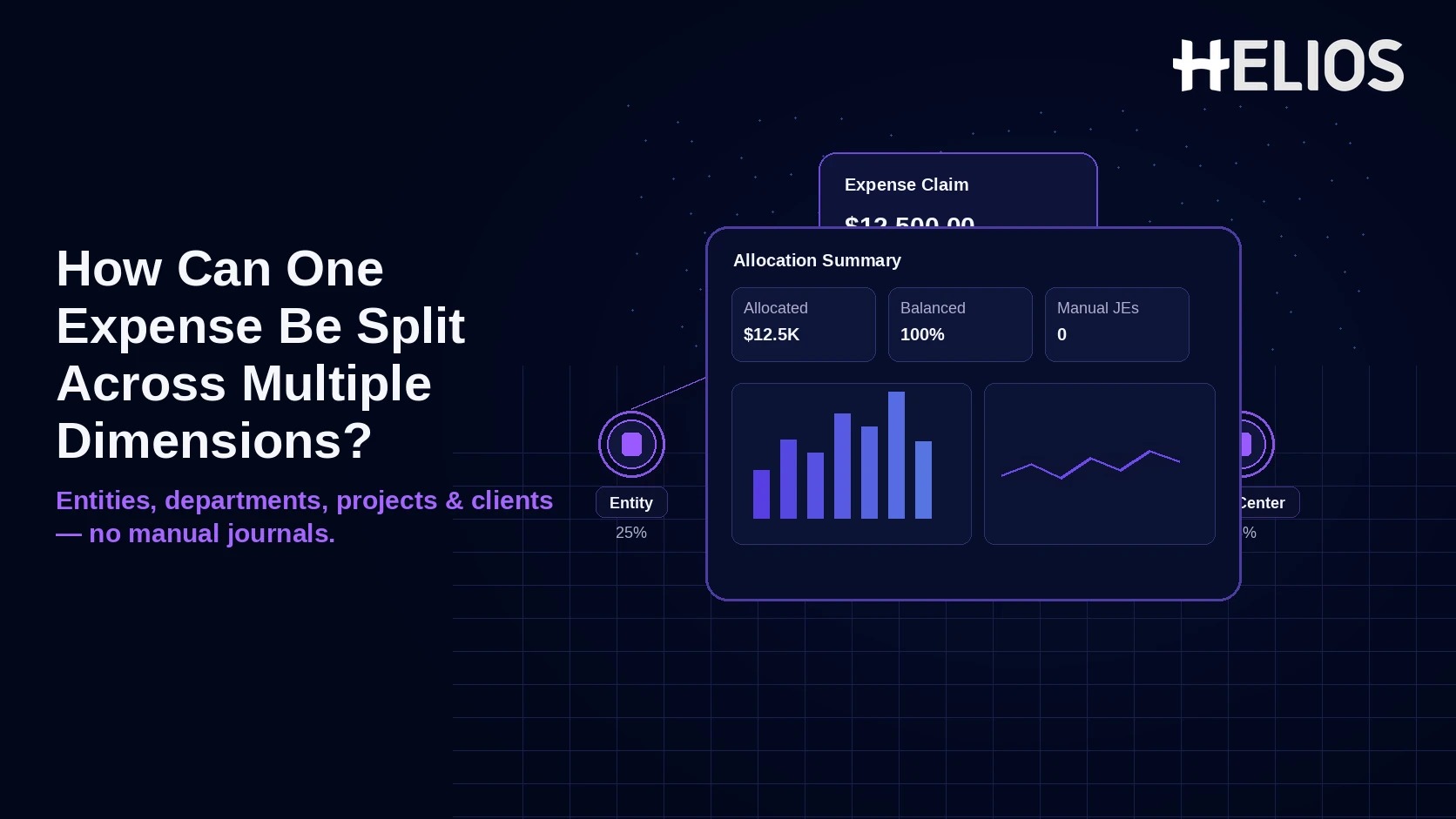
A single business expense often benefits more than one part of a company. A conference registration can support two legal entities, a software subscription can serve several departments, and a client event can be shared across a project, a cost center, and a billable customer. The finance problem is not whether to split the cost; it is how to capture the split once and let the system carry it through approval, tax, accounting, and reporting without month-end reclassification journals.
The scalable answer is line-level allocation. The source expense remains one transaction with one receipt, but the approved amount is distributed into governed allocation lines. Each line carries the dimensions finance needs—entity, department or cost center, project, client, GL and tax context—and the ERP receives posting-ready distributions. Cross-entity lines may also require intercompany or balancing entries, depending on the group’s ERP design.
Start with Allocation Lines, Not Manual Journals
Modern expense systems can split a line by amount or percentage before posting. Oracle Expenses, for example, supports split allocations across accounts, cost centers, projects and tasks, and exposes the split to both approvers and auditors. SAP Concur likewise describes allocations as a way to distribute one expense across business entities such as departments, cost centers, divisions, projects, or jobs. The design principle is the same: allocate at the source, preserve the source evidence, and post the resulting distributions rather than fixing the books later.
- One source record. Keep the original receipt, merchant, date, currency, business purpose, and expense-report ID attached to the transaction.
- Multiple allocation lines. Distribute the approved amount by percentage, fixed amount, or an approved rule across the required dimensions.
- One governed total. The system should require all allocation lines to equal 100% of the approved amount and prevent overlapping or invalid combinations.
- Posting-ready output. Each line should carry the entity, GL, tax, cost-object, currency, and source identifiers needed by the ERP.
Four Dimensions That Need Different Treatment
| Dimension | What It Means | Why It Matters for Posting | Typical Control |
| Legal entity | Which company ultimately bears the cost | Can change ledger, tax registration, payable/receivable, and intercompany treatment | Use active ERP entity codes; restrict valid combinations |
| Department / cost center | Which internal organization owns the cost | Drives management P&L, budget ownership, and approval routing | Validate hierarchy and manager ownership |
| Project | Which initiative, engagement, grant, or workstream receives the cost | Supports project costing, profitability, capitalization, or funding rules | Require active project/task and eligible expense type |
| Client / customer | Which external customer or matter is associated with the spend | Supports billable/non-billable reporting and client recovery | Validate client/matter status and billing policy |
A Practical Split: One Expense, Several Accounting Outcomes
Assume a USD 3,000 conference fee supports a U.S. holding company, a Singapore subsidiary, an internal project, and a client engagement. The employee should not create four expense reports or wait for finance to reclassify the cost after close. Instead, the platform creates allocation lines that all point back to the same receipt and expense item.
| Allocation Line | Entity | Cost Object | Project / Client | Share | Illustrative Accounting Result |
| 1 | Entity A | Marketing CC | Client Alpha | 40% / $1,200 | Entity A expense + local tax treatment |
| 2 | Entity B | Sales CC | Project APAC | 30% / $900 | Entity B expense + local tax treatment |
| 3 | Entity A | R&D CC | Project Platform | 20% / $600 | Entity A project cost |
| 4 | Entity A | Marketing CC | Client Alpha | 10% / $300 | Entity A client-related cost |
The account and tax-code labels in a real implementation should come from each entity’s governed ERP configuration. If Entity A originally paid the entire vendor or card liability while Entity B must bear part of the cost, the ERP or intercompany layer may also need to generate due-to/due-from or cross-ledger balancing entries.
Same-Entity Splits and Cross-Entity Splits Are Not the Same
Same legal entity.
A split across departments, cost centers, projects, or clients inside one company is mainly a management-accounting problem. The natural account and tax treatment may stay the same while cost objects change. If the expense platform validates the dimensions and sends multiple accounting distributions, the ERP can post the split without a reclassification journal.
Different legal entities. A cross-entity split changes the statutory accounting context. Each allocation may require a different company/balancing segment, ledger, tax registration, currency, or payable treatment. Oracle documents cross-ledger allocations that generate balancing journal entries and intercompany transactions. NetSuite likewise supports intercompany adjustment journals for moving time or expense charges from one subsidiary to another. The exact mechanism belongs in the ERP/intercompany design, not in an employee spreadsheet.
The 6-Step Expense-to-ERP Workflow
- Capture the source expense. Record the receipt or invoice once, including transaction currency, date, merchant, business purpose, and employee context.
- Create allocation lines. Split by amount, percentage, or approved rule. Require the sum to equal the approved expense and preserve the original source amount.
- Validate each dimension. Check that entity, cost center, project, client, GL, and tax values are active, compatible, and effective for the expense date.
- Route the right approval. Use the allocation context to determine whether the cost-center owner, project manager, client owner, entity controller, or finance reviewer needs to see the expense.
- Generate posting-ready distributions. Translate each allocation line into the ERP’s required account combination. For cross-entity allocations, apply the approved intercompany or balancing logic.
- Return posting status and reconcile. Capture ERP acceptance, journal IDs, rejected lines, intercompany status, and any correction. “Exported” should not be treated as “posted.”
Controls That Prevent Split Allocations from Becoming New Manual Work
- Limit the number of lines. If users routinely create dozens of allocations, the policy or rule engine should propose common templates or rule-based splits rather than requiring repetitive entry.
- Use governed master data. Entity, cost center, project, client, GL, and tax codes should come from authoritative finance systems with stable IDs and inactive-date controls.
- Require 100% allocation. Do not allow submission if the split is incomplete, duplicated, or exceeds the approved source amount.
- Separate allocation from itemization. Itemization answers “what was purchased”; allocation answers “who bears the cost.” Do not use hotel-night itemization as a substitute for cost allocation.
- Keep tax and intercompany logic contextual. A business split does not automatically determine VAT/GST recoverability or intercompany treatment. Those rules can depend on entity, location, evidence, transaction type, and ERP setup.
How to Avoid Manual Journals at Month-End
Manual journals usually appear when the expense platform captures only an employee-facing category and the detailed accounting split is postponed until after export. Finance can prevent that by moving allocation and validation earlier in the lifecycle. The ERP should receive complete distributions that can post directly or fail with a clear reason code.
| Failure Point | What Creates Manual Journals | Better Design |
| Missing allocation | Expense posts to one default cost center | Make allocation mandatory for defined categories or populations |
| Invalid master data | Project or entity is inactive by posting time | Synchronize status/effective dates and validate before approval |
| Cross-entity charge | One entity pays but another should bear cost | Use ERP intercompany/balancing rules and source IDs |
| Tax mismatch | Same tax code forced across different entity contexts | Derive tax by entity and transaction evidence |
| ERP rejection | Export file lacks account combination or mapping | Return detailed posting errors and resolve at source |
How Helios Supports Multi-Dimensional Expense Allocation
Helios's public product page does not state that one expense line can natively split across multiple legal entities, clients, and projects, or that it includes a dedicated intercompany accounting engine - both need to be tested directly in a demo rather than assumed. Two capabilities are worth testing specifically against this use case:
- Approval routing for shared costs. Configurable workflows by department, role, or cost center can route a shared expense to the managers who actually own each allocated piece. For project, client, or cross-entity routing specifically, confirm during implementation whether the platform supports parallel approval across multiple owners on one allocated expense, not just serial approval by a single owner.
- Journal generation per allocation line. Helios states its accounting engine can generate journal entries from expense reports; the test that matters here is whether each individual allocation line - not just the parent expense - maps to its own correct ERP account combination and retains the source expense ID. Cross-entity intercompany or balancing entries may still need to come from the ERP or a dedicated intercompany process rather than the expense platform itself.
The control that ties both together is traceability: every allocation line needs to stay linked back to the original receipt, policy result, approver, and ERP posting response, so a shared cost is still explainable line-by-line during close or an audit - not just at the level of the original expense report.
Related Helios guides: split allocation by entity, department, cost center, client, or project - expense category to GL and tax-code mapping - master data ownership between expense platforms and ERP - end-to-end expense traceability
FAQs About Splitting One Expense Across Multiple Dimensions
1. Should employees choose the GL accounts when they split an expense?
Usually no. Employees should only pick understandable business dimensions - which entity, department, project, or client the cost relates to - while the system derives or validates the actual ERP account combination behind each line.
2. What should finance test before eliminating manual journals?
Test same-entity and cross-entity splits, invalid master data, tax exceptions, ERP rejection, intercompany balancing, and source-to-journal reconciliation - ideally with a real multi-line expense like the four-way conference-fee example above, not a single-dimension test case.
Final Takeaway
Eliminating manual allocation journals just means moving the split upstream: capture the expense once, validate every allocation line before approval, and let the ERP post the distributions directly — not reclassify them after close.