
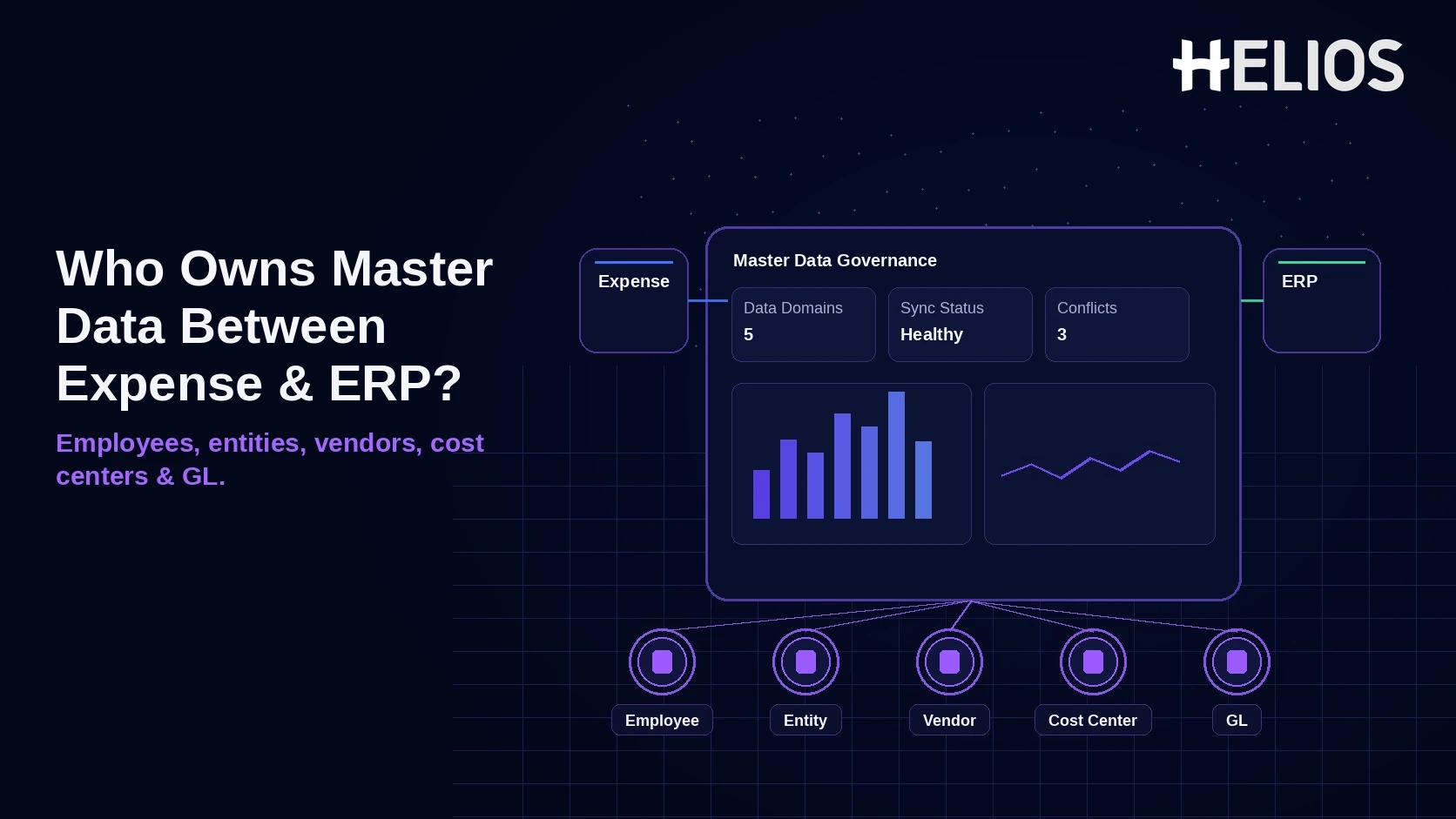
When an expense platform and ERP both store employee, entity, vendor, cost center, and GL information, duplicate ownership can quickly create mismatches, failed postings, broken approvals, and unreliable reporting. The goal is not to make every system “smart” enough to maintain the same master data. It is to give each data domain one authoritative owner, synchronize the right reference data downstream, and preserve a clean transaction trail back to the ERP.
For most global finance organizations, the ERP should remain the financial system of record for legal entities, suppliers, cost centers, and the chart of accounts. Employee identity usually belongs in HRIS or ERP HCM. The expense platform should consume those masters, add only expense-specific operational attributes, and own the expense transaction itself—from receipt and policy checks through approval and accounting handoff.
Why Master Data Ownership Matters in Expense Management
Master data controls how every expense is classified, approved, posted, reported, and audited. If the same cost center can be edited independently in the ERP and expense platform, or if a supplier is created from a receipt without vendor governance, finance inherits two truths. The immediate symptom may be a failed journal entry; the deeper problem is loss of control over financial dimensions.
- Posting accuracy. Valid entity, cost center, GL, project, and tax references reduce interface failures and manual rework.
- Approval reliability. Manager and budget-owner routing only works when employee and organizational data are current.
- Reporting consistency. The same code should mean the same thing in expense, ERP, consolidation, and management reporting.
- Auditability. Finance needs to explain where a master value came from, who changed it, when it became effective, and which transactions used it.
Who Should Own Each Master Data Domain?
A practical rule is simple: the system that governs the business meaning of a field should own it. The expense platform may cache or enrich that data for usability, but it should not silently become a second master-data hub.
| Data Domain | Preferred System of Record | Expense Platform Role | Typical Direction |
| Employee / user | HRIS or ERP HCM | Consume identity, status, manager and org fields; maintain only expense-specific preferences or delegates. | HRIS/ERP → Expense |
| Legal entity | ERP / corporate MDM | Use for policy, tax, currency, approval, posting and reporting context. | ERP → Expense |
| Vendor / supplier | ERP AP, procurement, or supplier MDM | Consume approved suppliers when needed. Treat merchant text from receipts as transaction data, not automatically as vendor master. | ERP → Expense |
| Cost center | ERP controlling / finance master | Use for coding, allocation, approval routing and reporting. Department may originate in HRIS, but financial cost-center codes should follow ERP governance. | ERP → Expense |
| GL account / chart of accounts | ERP | Use approved accounts or mappings; do not create or renumber GL accounts in the expense tool. | ERP → Expense |
| Expense claim / receipt / approval | Expense platform | Create, validate, approve and retain the operational expense record. | Expense → ERP |
Employee Data: HR Owns Identity, Expense Owns the Expense Profile
Employee master data changes frequently: hire date, termination status, manager, department, location, legal employer, and sometimes cost center. If a separate HRIS exists, it is usually the authoritative source; if the ERP includes HCM, the same principle applies there. The expense platform should synchronize those attributes so a terminated user cannot submit claims and a transferred employee follows the correct policy and approval route.
Expense-specific fields can still live in the expense platform—for example preferred language, expense delegate, receipt settings, or a travel profile—provided they do not redefine employment status or financial ownership. A useful control is to separate “profile enrichment” from “master authority.”
Entity, Cost Center, and GL Data: Keep Financial Masters in the ERP
Legal entity, cost center, and chart-of-accounts structures directly affect statutory reporting, tax, budgets, intercompany treatment, and consolidation. These are therefore poor candidates for dual maintenance. Oracle describes the chart of accounts as the underlying structure for organizing financial information and reporting, while SAP treats cost center as financial master data that can be replicated to remote accounting systems. The architectural implication is clear: the expense system should consume these structures rather than redefine them.
The expense platform can own the mapping logic that translates an expense category such as “Hotel” into an ERP account, tax code, or cost object, but the target GL and cost-center values should still be ERP-approved masters. Mapping changes should be versioned, tested, and approved by finance, especially when subsidiaries use different charts of accounts.
Vendor Data: Do Not Confuse a Merchant Name with an Approved Supplier
Receipt OCR may capture a merchant such as a hotel, airline, restaurant, or taxi operator. That string is useful for transaction analysis, but it is not necessarily a vendor master record. A supplier master can carry bank data, payment terms, withholding settings, legal identifiers, purchasing organization data, and compliance controls. SAP Master Data Governance, for example, uses formal change requests, duplicate checks, and approval before supplier master data is created and replicated.
For employee reimbursements, finance often does not need to create a vendor for every merchant. Where the expense process does require vendor linkage—for example direct supplier payments, corporate travel agencies, or AP invoices—the approved supplier should come from ERP/procurement/MDM. Avoid “auto-create vendor from receipt” unless the company has a formal vendor-governance workflow behind it.
The Best Integration Pattern: Reference Data In, Transactions Out
The cleanest design is usually one-way reference-data synchronization into the expense platform, followed by approved expense transactions flowing back to the ERP. SAP Ariba integration documentation follows the same general pattern by importing users, suppliers, cost centers, and GL accounts from ERP into the spend application. That does not mean every company must use SAP; it illustrates a durable architecture principle.
- Synchronize authoritative masters into the expense platform. Load active employees, entities, suppliers where needed, cost centers, GL accounts, projects, tax codes, and related dimensions through API, scheduled feed, or integration middleware.
- Validate at the point of use. Do not let employees code to inactive cost centers, expired projects, invalid entity/GL combinations, or stale approvers. Validation should fail early rather than after finance approval.
- Send approved transactions back with source identifiers. The ERP posting should retain the expense report ID, employee, entity, cost center, GL, tax, currency, and other dimensions needed for reconciliation and traceability.
- Return posting status and errors. The expense platform should know whether the ERP accepted, rejected, or corrected the transaction. Do not treat “exported” as the same as “posted.”
- Preserve history when master data changes. A renamed or closed cost center should not rewrite the historical coding on an already posted expense. Use effective dates and store both stable keys and display labels where possible.
How to Govern Master Data Changes Without Slowing Finance
Global teams need a simple operating model for adds, changes, and deactivations. The key is to distinguish who requests a change from who owns the master. An expense user may request a missing cost center or supplier, but the creation should route to the ERP/MDM owner rather than be created independently in the expense tool.
| Change Event | Authoritative Action | Expense Platform Response |
| Employee joins, transfers, or leaves | HR/ERP updates employment and organization record. | Sync user status, policy, manager and expense access; preserve prior claim history. |
| New legal entity | ERP/MDM creates entity, ledger, currency, tax and reporting structure. | Load entity only after financial configuration is approved; attach local expense policy. |
| New or changed supplier | AP/procurement/MDM runs onboarding, duplicate and compliance checks. | Consume approved vendor key if the expense workflow requires supplier linkage. |
| Cost center closes or reorganizes | Finance/ERP changes hierarchy and effective dates. | Stop new coding after effective date while retaining historical references. |
| GL account changes | Controller/ERP governs COA change and mappings. | Update allowed target accounts or category mappings after testing; never rewrite posted history. |
How Helios Supports a Governed Expense-to-ERP Data Model
The risk this article is really about is an expense tool quietly becoming a second master-data hub. Helios's approval and accounting features only hold up if they consume governed data rather than inventing their own version of it - three places that matters most:
- Approval routing runs on synced org data, not a shadow hierarchy. Helios can route approvals by department, role, or cost center, but the stronger design sources those values from HRIS/ERP instead of letting them be edited independently inside the expense tool. That keeps one cost-center hierarchy instead of two that can drift apart.
- Journal-entry automation still needs ERP-owned accounts underneath it. Helios states its accounting engine can generate journal entries from expense reports, but that only works cleanly if Helios categories map to accounts, entities, cost centers, and tax structures that the ERP already governs - the chart of accounts itself should never be created or renumbered inside the expense tool.
- Analytics can surface the ownership failures, not just spend. Multi-dimensional dashboards can be pointed at stale codes, uncoded activity, recurring mapping exceptions, or entities with inconsistent master-data adoption - in other words, using reporting to catch a governance breakdown, not only to track spend.
Before rollout, test master-data creation, deactivation, effective dating, mapping changes, duplicate-supplier prevention, and failed ERP postings against the company's actual ERP and HR landscape - the connectors and sync cadence a vendor demo shows are not a substitute for testing the specific integration.
Related Helios guides: multi-entity finance shared services - split allocation by entity and cost center - replacing fragmented regional expense tools - AI auditing and ERP integration
FAQs About Expense Platform and ERP Master Data
1. What happens when master data changes after an expense is already posted?
Keep the original transaction reference and effective-date the new master data instead of overwriting it. A closed cost center or renamed account should not rewrite the coding on an expense that was already approved and posted - the historical record has to stay traceable to the codes that were in effect at the time.
2. Should every merchant captured from a receipt become a vendor?
No. Merchant text pulled from a receipt is transaction data, not a supplier master record. Create or link an ERP supplier only when the business process actually requires an approved vendor - direct supplier payments, travel agencies, or AP invoices - not just because OCR captured a name.
Final Takeaway
The strongest architecture is not "ERP owns everything" or "expense platform owns everything." It is one authoritative owner per master-data domain — HRIS/ERP for people and financial structures, procurement/AP for suppliers, the expense platform for evidence, policy, and transaction workflow — connected by clean, one-way synchronization rather than parallel editing.