
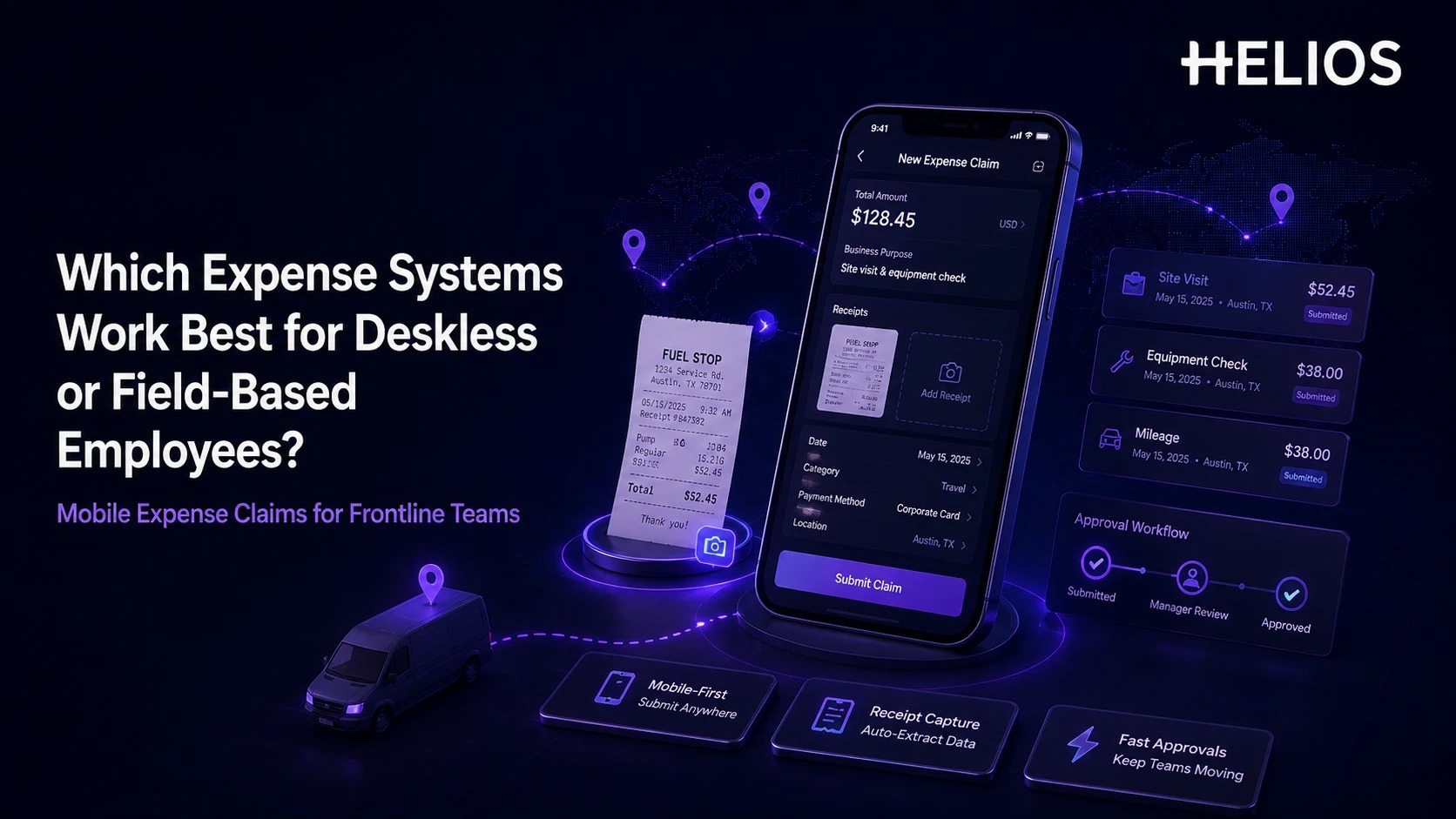
Deskless and field-based employees spend most of their working day away from a computer — visiting customer sites, inspecting equipment, working in stores, or moving between job sites. Expense software has to fit that pattern: capture the transaction when it happens, require as little typing as possible, and get finance complete information without waiting for the employee to sit at a desk.
The best expense management software for field teams is mobile-first, not just mobile-accessible. It should combine receipt capture, simple coding, policy checks, mileage or travel support, clear status, approvals, and a reliable finance handoff — and keep working when connectivity doesn't.
Why Standard Expense Tools Fail Field Workers
Give a field technician a desktop-style expense form on a phone and the receipt sits in a pocket for a week, arrives crumpled or faded, and the claim gets submitted in a batch on Friday with half the details guessed from memory. That's not a training problem — it's a tool built for someone sitting at a desk being handed to someone who isn't. The real test isn't whether an app has a mobile version; it's whether a field employee, with two minutes and one hand free, actually finishes the claim on the spot.
What to Test in an Evaluation
| Requirement | Test it with | Disqualifying failure |
|---|---|---|
| Capture at the point of spend | A photographed receipt taken immediately after a purchase | App requires desktop login to actually submit the claim |
| Minimal typing | A receipt with a smudged or partial total | OCR fails silently and the employee has to retype everything |
| Offline resilience | A basement, rural site, or job site with no signal | Data is lost rather than queued and synced later |
| Mileage, per diem, and travel support | An employee driving between three sites in one day | Distance and per diem have to be logged in a separate tool |
| Visible policy and next steps | A claim missing a receipt or business-purpose note | Employee finds out days later, from finance, instead of on the spot |
| Mobile approval | A manager who is also in the field, not at a laptop | Approval requires desktop access, adding days to the cycle |
Expense Systems for Field Employees: Comparison at a Glance
The shortlist below focuses on the environments each system fits best. Offline behavior, device support, country coverage, integrations, and reimbursement methods still need testing in your organization's actual working conditions — a demo on office wifi won't surface this.
| Platform | Strongest fit | Field/mobile considerations |
| Helios | Enterprise teams wanting mobile-first expense workflows | Mobile submission, receipt capture, policy control, configurable approvals, and AI assistance; validate offline behavior if it's critical. |
| SAP Concur | Large global travel and expense programs | Mature mobile app, ExpenseIt receipt capture, mileage, approvals, and broad global T&E support. |
| Expensify | Distributed teams that prioritize simple mobile capture | Fast receipt scanning, lightweight mobile workflows, and offline capabilities can suit employees working away from reliable connectivity. |
| Zoho Expense | Cost-conscious small and midsize field teams | Mobile receipt autoscan, mileage, approvals, and offline uploads provide broad field functionality at a relatively accessible entry point. |
| Rydoo | Mobile-first global employees and frequent travelers | Fast OCR capture, mobile approval, mileage, per diem, and multi-country compliance tools are strong for decentralized workforces. |
| Emburse Enterprise | Global enterprises with complex mobile requirements | AI receipt capture, multi-page documents, multilingual support, and a mobile-first enterprise experience suit geographically distributed teams. |
Which Expense Systems Work Best for Deskless and Field Employees?
1. Helios — Mobile-First Enterprise Expense Workflows
Helios combines mobile expense submission, receipt capture, policy control, approvals, accounting automation, reporting, and Spark AI assistance — a fit when a company wants one enterprise expense workflow spanning field employees and central finance. If employees regularly work without dependable connectivity, put offline behavior directly into the pilot instead of assuming it works.
2. SAP Concur — Large Global T&E Programs
SAP Concur provides a mature mobile app for expense reports, receipt capture through ExpenseIt, mileage, travel tasks, and manager approvals. It's most relevant when field employees are also frequent business travelers, or the organization needs broad global travel-and-expense governance alongside field capture.
3. Expensify — Simple Mobile Capture and Intermittent Connectivity
Expensify emphasizes receipt scanning and fast mobile entry, with offline capabilities for work that can't wait for a stable connection. It suits distributed teams that value a lightweight employee workflow; larger enterprises should still validate policy, integration, entity, and administration requirements before scaling it.
4. Zoho Expense — Cost-Conscious Field Teams
Zoho Expense offers mobile receipt autoscan, approvals, mileage tracking, card expense handling, and offline uploads — a practical option for small and midsize organizations that need broad mobile functionality without adopting a larger travel-and-expense suite.
5. Rydoo — Mobile-First Global Employees
Rydoo is built around real-time mobile expensing: fast OCR capture, approvals, mileage, per diem, and local compliance data. It's worth close evaluation for sales, service, and engineering teams generating expenses continuously while moving between locations.
6. Emburse Enterprise — Global Enterprise Mobile Complexity
Emburse Enterprise provides AI-powered mobile receipt capture, multi-page document handling, multilingual support, mobile submission, and approvals — suited to larger organizations with geographically distributed workers and more complex enterprise requirements.
How a Mobile Expense Workflow Should Work in the Field
A practical expense reimbursement workflow lets an employee finish most of the work while the transaction is still fresh, in five stages:
- Capture the receipt immediately. The employee photographs it or uploads a digital document from the mobile device — no carrying paper until end of week.
- Extract the details automatically. OCR reads merchant, date, amount, currency, tax, and invoice information; the employee confirms rather than retypes.
- Add only the business context finance actually needs. The app prefills employee and organizational data, then asks for business purpose, project, cost center, mileage, or attendees — whatever the receipt itself can't supply.
- Check policy and route approval. The system flags missing information or policy exceptions and routes the claim to the right manager or finance owner; mobile approval keeps things moving when approvers are also in the field.
- Reimburse, account, and report from the same record. Approved data continues into reimbursement and accounting with the receipt, coding, policy result, and approval history attached, so finance isn't reconstructing field expenses later.
How to Evaluate Mobile Expense Software for Field Teams
A desktop demonstration does not prove a system works for a deskless workforce. Build the pilot around the places and devices employees actually use:
- Test real devices and network conditions — the actual iOS and Android models in the field, including weak signal, interrupted uploads, and delayed sync.
- Measure time to complete a claim: how many taps and how much typing, start to submission, for a routine expense.
- Include field-specific expense types: mileage, fuel, parking, tools, meals, accommodation, job-site purchases, foreign currency, and project or cost-center allocation.
- Validate security and access: authentication, device access, permissions, data retention, and lost-device handling.
- Follow the claim into finance — a fast mobile front end doesn't help if finance still rekeys coding or chases receipts afterward.
How Helios Supports Mobile Expense Management for Field Employees
Two capabilities matter most for a deskless workforce specifically:
- Mobile-first submission with AI receipt capture. Employees photograph a receipt or upload an invoice from a mobile device — no dependence on desktop forms — while OCR extracts the relevant fields and Spark AI's Claim Copilot can guide the submission conversationally. *Scenario:* a technician finishes a job at a rural site with one hand free and two minutes before the next call — they photograph a fuel receipt, confirm the auto-filled amount and merchant, tag the job site, and submit, instead of stuffing the receipt in a pocket for Friday's paperwork batch.
- Policy control and approval that don't require a desk. Automated checks flag problems before a claim reaches an approver, and configurable routing works from a phone on both ends. *Scenario:* a claim is missing a business-purpose note. Instead of finance catching it days later during review, the employee sees the flag on their phone immediately and can add the missing detail before the receipt fades from memory — and the manager approving it, also out in the field, can act from their own phone rather than waiting to reach a laptop.
Accounting automation and multi-dimensional analytics sit underneath both points and are worth confirming, but they're not the reason this platform suits field teams specifically — the mobile capture and mobile approval loop is. Organizations with large mobile workforces should still validate offline behavior, device compatibility, receipt formats, mileage and travel requirements, country coverage, reimbursement methods, and security in a controlled pilot rather than a desk demo. Related guidance on AI in expense management, travel expense management, and automated expense reporting covers the wider operating model.
FAQs About Expense Systems for Deskless and Field Employees
Should mobile expense software work offline?
For remote or low-connectivity work, yes — test specifically what users can capture and save without a connection, and how the app synchronizes once it's back.
Can employees submit a claim entirely from a phone, start to finish?
Most modern systems support this, but confirm it directly: capturing the receipt, adding required context, responding to a returned claim, and tracking reimbursement should all be possible without ever touching a desktop.
How should companies test mobile expense software before choosing one?
Use real employees, real devices, real receipts, and weak-network scenarios — not a vendor demo on office wifi. Compare submission time, return rate, approval time, and how much finance still has to correct afterward.