
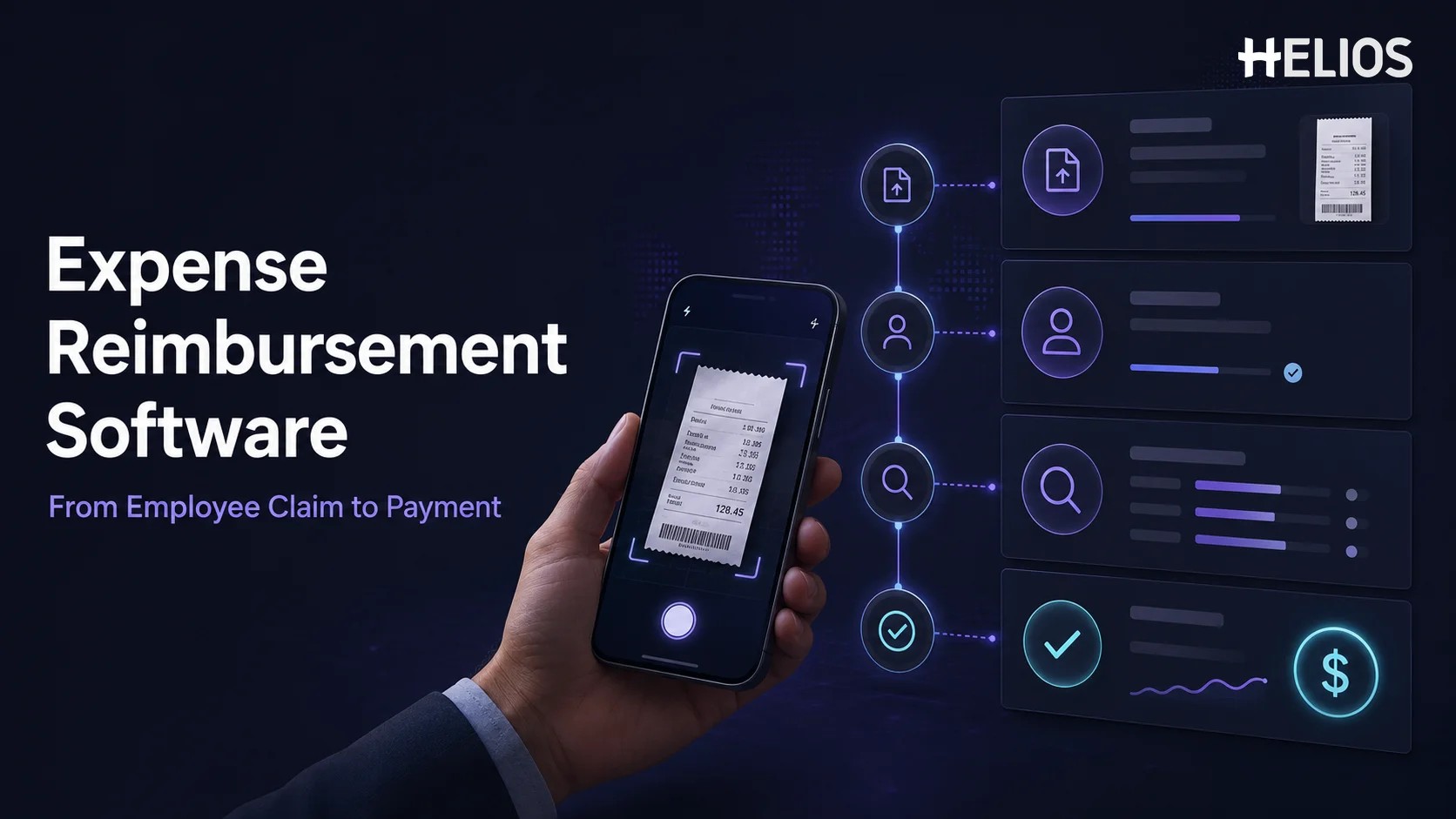
Employee reimbursement often begins with a small transaction and ends with a surprisingly long chain of work. An employee pays for a hotel, taxi, meal, office item, or client expense; keeps the receipt; completes a claim; asks a manager to approve it; and waits for finance to review and pay it. When these steps depend on email and spreadsheets, even routine claims can become slow and difficult to track.
Expense reimbursement software connects that chain in one controlled workflow. It gives employees a clearer way to submit expenses, helps managers act on approvals, and provides finance teams with the documentation and accounting data needed to complete reimbursement. This guide explains what the software does, how the process works from submission to payment, which features matter, and how to choose a suitable platform.
What Is Expense Reimbursement Software?
Expense reimbursement software is a digital platform for collecting, reviewing, approving, accounting for, and paying back employee-paid business expenses. It replaces disconnected forms, receipt folders, email threads, and spreadsheet trackers with a structured process in which every claim has an owner, status, supporting document, and history.
A complete expense reimbursement system begins when an employee creates a claim. The employee enters the business purpose and expense details, uploads the receipt or invoice, and submits the request. The system can then validate required information, check company policy, route the claim to the correct approver, support finance review, create or export accounting data, and record payment status.
The terms reimbursement software and expense management software are sometimes used interchangeably. Reimbursement software focuses specifically on employee-paid expenses and the process of paying employees back. A broader expense management platform may also cover travel requests, company cards, budgets, supplier expenses, and spend analytics. For many businesses, both workflows operate within the same platform.
How Does Expense Reimbursement Software Work?
The exact configuration depends on company policy, but most expense reimbursement software follows seven connected stages. Understanding each stage makes it easier to evaluate whether a system supports the full process rather than only digitizing the claim form.
- The employee creates a claim. The process starts when an employee records a business expense through a mobile app or web portal. The claim normally includes the amount, date, merchant, currency, category, project or cost center, and a short business purpose.
- The receipt or invoice is uploaded. The employee photographs a paper receipt or attaches a digital document. OCR can extract fields such as merchant, invoice number, date, amount, tax, and currency, reducing manual entry. The employee reviews the captured information before submission.
- The system validates the claim and applies policy. Required fields, receipt rules, spending limits, duplicate information, expense categories, and other company controls can be checked before the claim reaches an approver. Exceptions should be identified clearly rather than hidden inside a general approval queue.
- The claim is routed for approval. The expense reimbursement system sends the request to the appropriate manager or budget owner based on department, role, cost center, amount, or expense type. The approver reviews the documentation and policy status, then approves, rejects, or returns the claim for correction.
- Finance performs the final review. Finance confirms that the claim is complete, correctly coded, approved by the right people, and ready for reimbursement. High-risk exceptions may receive additional attention, while routine compliant claims can move through a lighter review path.
- The expense is recorded in accounting. Approved reimbursement data is converted into journal entries or exported to the company’s accounting or ERP system. The claim should retain the employee, entity, account, tax, department, cost center, project, and supporting-document information required for reconciliation and audit.
- Payment is initiated and the claim is closed. The approved amount is paid through the organization’s selected reimbursement method, such as payroll, accounts payable, a bank connection, or another payment service. Employees should be able to see whether the claim is approved, scheduled, paid, or returned, while finance retains a complete record of the transaction.
Key Features of Reimbursement Software
A reimbursement platform should make the end-to-end process faster without weakening financial control. The most useful capabilities usually include:
- Mobile and web submission. Employees can create claims, attach documents, respond to questions, and check payment status from a convenient interface.
- Receipt capture and OCR. The system extracts information from receipts and invoices so employees and finance teams do not repeatedly type the same data.
- Policy validation. Spending limits, required fields, receipt rules, and other controls are applied consistently before reimbursement.
- Configurable approvals. Claims are routed according to the organization’s departments, roles, cost centers, entities, expense types, and approval thresholds.
- Finance review tools. Finance users can filter queues, inspect exceptions, correct coding, request information, and verify that a claim is ready for accounting and payment.
- Accounting and ERP integration. Approved claims move into financial systems with the dimensions and supporting detail needed for posting and reconciliation.
- Payment status tracking. The system records when a claim is approved, scheduled, paid, rejected, or returned, giving employees and finance a common source of truth.
- Reporting and audit trails. Dashboards, exports, and action histories help the business understand reimbursement spend and demonstrate how each claim was handled.
- AI-assisted support. AI can help capture documents, review claims, answer policy questions, and guide users through reimbursement tasks.
A long feature list is not enough by itself. The best reimbursement software is the system that reduces friction at the points where the organization currently loses time: incomplete submissions, missing receipts, unclear approvals, repeated finance checks, duplicate accounting entry, or uncertain payment status.
Which Businesses Need an Expense Reimbursement System?
A small team with occasional claims may be able to manage reimbursement manually for a limited period. A dedicated system becomes more valuable as the number of employees, claims, entities, approvers, or accounting requirements increases.
An expense reimbursement system is especially useful for:
- Growing businesses that are adding employees, departments, locations, and cost centers faster than finance can expand manual processes.
- Travel-heavy organizations that reimburse frequent airfare, hotels, meals, local transportation, and other business travel expenses.
- Midsize and large enterprises that need consistent approval rules, clear separation of duties, reliable records, and scalable reporting.
- Multi-entity or international businesses that must route claims to the correct entity and handle different currencies, tax requirements, policies, and payment methods.
- Finance teams with manual bottlenecks that spend too much time chasing receipts, correcting coding, confirming approvals, answering status questions, or re-entering approved claims.
Common warning signs include employees asking repeatedly when they will be paid, managers losing claims in email, finance being unable to identify the next owner, or accounting entries being prepared separately from approved documentation. These problems indicate that the current reimbursement process lacks a connected system of record.
Benefits of Expense Reimbursement Software
The value of software comes from improving the workflow around the claim, not simply turning a paper form into an online form. A well-designed process can deliver several operational benefits:
- Faster employee reimbursement. Mobile submission, automated checks, and clear routing reduce delays between the original purchase and payment.
- Fewer incomplete claims. Required fields and document prompts help employees provide the correct information before the request enters review.
- More consistent policy enforcement. The same rules are applied across claims, while exceptions remain visible for appropriate review.
- Less finance rework. Structured data, focused exception review, and accounting integration reduce repetitive checking and duplicate entry.
- Clearer employee communication. Employees can see claim status and respond to requests without relying on separate email follow-ups.
- Stronger auditability. Receipts, approvals, changes, accounting data, and payment status remain connected to the same reimbursement record.
- Better spend visibility. Finance leaders can analyze reimbursement activity by category, employee, department, entity, project, or time period.
Useful implementation metrics include average submission time, approval time, finance review time, days to payment, missing-receipt rate, policy-exception rate, returned-claim rate, and hours spent on manual processing. Recording a baseline before implementation makes later improvement easier to evaluate.
How to Choose the Right Expense Reimbursement Software
Start with the existing reimbursement process and identify where claims become delayed, inaccurate, or difficult to track. Then test each platform against real employee, manager, finance, accounting, and payment scenarios.
- Submission experience. Confirm that employees can create claims quickly, upload common document types, save drafts, correct errors, and see status without extensive training.
- Policy and workflow fit. Check whether the software supports required fields, spending limits, exceptions, approval levels, delegates, cost centers, entities, and escalation rules.
- Finance controls. Evaluate review queues, coding changes, duplicate detection, audit history, segregation of duties, and the handling of high-risk claims.
- Accounting integration. Confirm how approved reimbursements will map to the general ledger, tax codes, departments, projects, entities, and other financial dimensions.
- Payment workflow. Understand which reimbursement methods are supported, who initiates payment, how payment status returns to the system, and how failed or adjusted payments are handled.
- Reporting quality. Make sure finance can report on both spend and process performance instead of relying only on fixed exports.
- Security and data protection. Review access controls, authentication, encryption, retention, audit logs, and the provider’s enterprise security credentials.
- Regional requirements. Global organizations should verify currency logic, local tax treatment, data residency, language, entity structure, and country-specific payment coverage.
- Implementation and support. Ask how policies, integrations, opening data, user training, testing, launch support, and future configuration changes will be managed.
A tailored demonstration should follow the organization’s real workflow from receipt to payment. A short pilot with representative employees, approvers, finance users, and accounting scenarios can reveal gaps that are difficult to identify from a standard feature presentation.
How to Prepare for Implementation
Before configuring reimbursement software, document the current expense categories, required receipts, spending limits, exception rules, approval roles, entity structure, accounting dimensions, payment methods, and reporting responsibilities. Resolve unclear policy decisions before they are encoded into the new workflow.
The implementation team should also decide how employee records will be synchronized, how approved claims will reach accounting, how reimbursement payment status will be returned, and who will own the platform after launch. Begin with a controlled pilot, review the operational metrics, and adjust instructions or workflows before a broader rollout.
How Helios Supports Expense Reimbursement
Helios brings employee submission, policy control, approvals, finance processing, accounting automation, reporting, and AI assistance into a connected expense environment. The platform addresses several requirements businesses commonly prioritize when evaluating reimbursement software:
- Mobile submission and intelligent receipt capture. Employees can submit reimbursement claims from a mobile device, while OCR extracts information from receipts and invoices to reduce manual entry.
- Automated policy control. Helios can check claims against company spending rules and identify missing information or policy exceptions earlier in the process.
- Configurable approvals and AI-assisted review. Approval paths can be organized around departments, roles, cost centers, and other business requirements. Approval Copilot helps reviewers evaluate claims and relevant policy information.
- Accounting automation and spend visibility. Approved expense reports can generate accounting entries, while multi-dimensional dashboards and customizable reporting give finance a more connected view of reimbursement activity.
- AI support across the reimbursement lifecycle.** **Spark AI includes claim, approval, travel, and service copilots that help users submit expenses, review claims, ask policy questions, and complete tasks through a conversational experience.
Helios also presents itself as an enterprise-grade provider with global experience and information security credentials. Organizations should still confirm the integrations, payment methods, country coverage, currency handling, tax requirements, and implementation scope that apply to their own reimbursement process. A tailored demonstration is the best way to validate the complete path from employee submission to accounting and payment.
FAQs About Expense Reimbursement Software
What does expense reimbursement software do?
Expense reimbursement software collects employee claims and receipts, applies policy checks, routes approvals, supports finance review, sends approved data to accounting, and records reimbursement payment status in one traceable workflow.
How does an expense reimbursement system work?
An employee creates a claim and uploads a receipt, the system validates the information and routes it for approval, finance completes a final review, accounting data is generated or exported, and the approved amount is paid through the organization’s selected reimbursement method.
What is the difference between reimbursement software and accounting software?
Reimbursement software manages the operational process before and around payment, including receipts, policy, approvals, employee communication, and status tracking. Accounting software records the financial result. Integration connects the approved claim and its supporting detail with the general ledger.
Can reimbursement software speed up employee payments?
Yes. Complete submissions, automated checks, clear approval routing, focused finance review, and connected accounting data can remove delays. Actual payment timing still depends on the company’s approval rules, payment schedule, and reimbursement method.
What should you look for in reimbursement software?
Prioritize easy submission, OCR receipt capture, policy control, configurable approvals, finance review tools, accounting integration, payment tracking, reporting, security, regional fit, and implementation support. Test the entire workflow with real scenarios rather than comparing feature lists alone.
The right platform should make reimbursement easier for employees, more controlled for finance, and more reliable for accounting. Businesses evaluating an intelligent, enterprise-focused approach can explore Helios expense reimbursement and request a demonstration based on their own submission, approval, accounting, and payment requirements.