
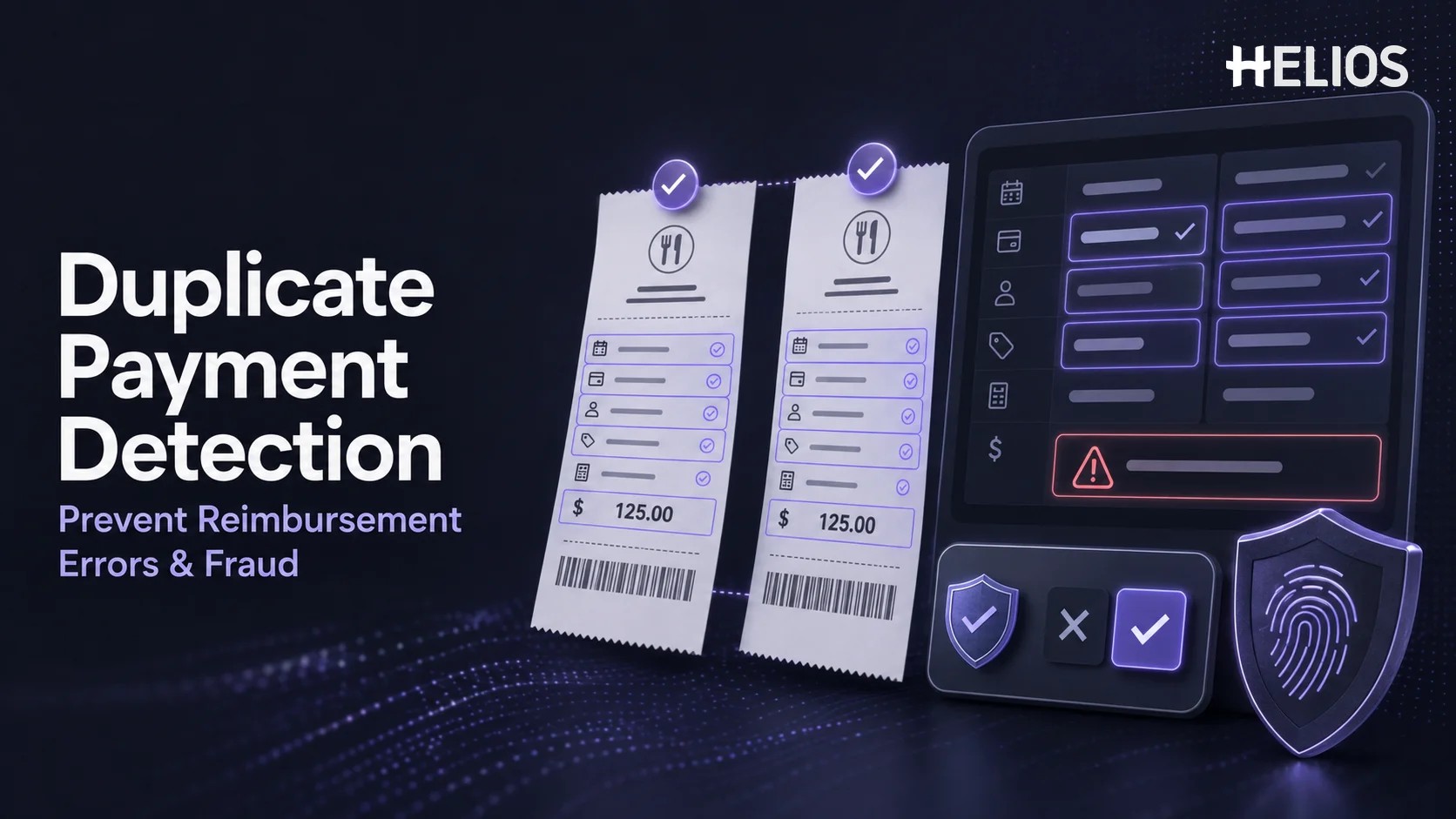
A duplicate expense can be created by a simple mistake: an employee uploads the same receipt twice, submits a returned report again, or claims a transaction that was already paid through a company card. In other cases, repeated receipts, altered values, or claims submitted across employees may require closer investigation. Without a connected record, finance teams may not see the overlap until after reimbursement.
Duplicate payment detection compares expense data, receipt images, payment information, report history, and reimbursement status to identify claims that may represent the same underlying purchase. The objective is to prevent repeated reimbursement while preserving a fair review process. This article focuses only on employee expense claims and duplicate receipts; it does not cover general accounts payable or supplier-invoice software.
What Is Duplicate Payment Detection in Expense Management?
Duplicate payment detection is the process of finding two or more expense records that may refer to the same transaction, receipt, or reimbursable cost. A potential match can be identified before submission, during manager approval, in finance review, or before reimbursement is released. The system normally flags the relationship for confirmation rather than automatically treating every similarity as an error or fraud.
Exact duplicates are relatively straightforward: the employee submits the same receipt image with the same merchant, date, currency, and amount. Near duplicates are more difficult. One claim may use a cropped image, a different file format, a corrected merchant name, a converted amount, a changed category, or a separate report. Effective detection therefore combines multiple signals rather than relying on a single field.
The control should distinguish a possible duplicate from a confirmed duplicate. Similar hotel charges, recurring subscriptions, transit fares, parking payments, and standard daily meals may legitimately share dates or amounts. Finance or another authorized reviewer should examine the source evidence, payment method, business purpose, report status, and prior decision before stopping or recovering payment.
Common Duplicate Expense Scenarios
- Same receipt submitted twice. An image or PDF is attached to two lines or two reports, intentionally or accidentally.
- Same transaction entered twice. The merchant, date, amount, and currency are repeated even though the attachments differ or one line has no receipt.
- Company-card and cash reimbursement overlap. A company-paid transaction is also marked as personally paid and requested for reimbursement.
- Returned report resubmitted incorrectly. An employee creates a new report instead of correcting the existing record, leaving both versions active.
- One receipt claimed by different employees. A shared meal, taxi, hotel, or group purchase appears in more than one employee report.
- Receipt reused with modified details. A cropped, rotated, reformatted, or edited image is paired with a different category, amount, date, or business purpose.
- Advance or prior reimbursement overlap. The employee requests repayment for a cost already covered by an advance or completed reimbursement.
Split expenses are not automatically duplicates. A single receipt may be allocated across cost centers, projects, attendees, or personal and business portions. The workflow should recognize authorized splits and verify that the combined reimbursable amount does not exceed the supported cost.
Why Duplicate Reimbursements Happen
Duplicate claims are often process failures before they are misconduct. Employees may not know whether a draft was submitted, a manager may request a resubmission without clear instructions, or finance may process separate files without a shared status. Manual spreadsheets and email make it difficult to compare current claims with prior reports, card transactions, advances, and completed payments.
- Disconnected records. Claims, card feeds, receipts, approvals, and payment status live in different files or systems.
- Inconsistent data. Merchant names, date formats, currencies, categories, and amounts are entered differently.
- Weak report status. Employees and reviewers cannot easily see whether an expense is draft, returned, approved, paid, or canceled.
- Manual image review. Finance must remember or visually compare large numbers of receipts without image matching or structured fields.
- Unclear payment ownership. The process does not reliably distinguish employee-paid, company-card, prepaid, advanced, or centrally paid costs.
How Duplicate Expense Detection Works
A practical workflow evaluates the claim at several points rather than relying on one final check:
- Capture and normalize the expense. OCR and form logic structure merchant, date, amount, currency, tax, receipt number, payment method, and other available details.
- Create a document fingerprint. The system can compare file identity, image content, visible text, layout, and other characteristics even when the file name or format changes.
- Search current and historical records. The claim is compared with draft, submitted, returned, approved, rejected, canceled, reimbursed, and company-card records according to configured scope.
- Evaluate exact and near matches. Rules and models consider combinations such as merchant, date, amount, currency, employee, card reference, receipt image, and invoice number.
- Assign a reason and confidence. The result explains why the claim looks similar, which prior record matched, and whether the relationship is exact, partial, or contextual.
- Request confirmation or route review. The employee may remove an accidental duplicate, explain a legitimate repeat, or send the item to an approver or finance reviewer.
- Record the decision. The workflow retains the matched records, reviewer action, explanation, correction, approval, rejection, or recovery outcome.
Signals Used in Duplicate Payment Detection
No single signal is reliable in every expense category. Strong controls combine structured data, receipt evidence, transaction information, and workflow history.
A Simple Duplicate Expense Example
An employee pays for an airport taxi, uploads the receipt, and submits the claim. A week later, the same image is selected again while the employee prepares a second report.
- Recognize. OCR captures the taxi provider, date, amount, currency, and visible payment information from the second upload.
- Compare. The system finds a prior report with the same receipt image and matching transaction fields.
- Explain. The employee sees that the earlier expense has already been approved and removes the repeated line before submission.
- Record. The duplicate warning and employee correction remain available as workflow data without creating an accusation or formal investigation.
If the amounts differed because the first entry excluded a tip, the system should show both records and allow the employee or finance reviewer to explain or correct the relationship. The goal is accurate reimbursement, not automatic rejection based on similarity alone.
Reimbursement Error vs. Potential Fraud
A duplicate match is evidence of overlap, not evidence of intent. Most organizations need a review model that separates correction from investigation. An accidental duplicate can usually be removed, returned, or corrected. A suspicious pattern may require escalation under the company’s established investigation, employee-relations, legal, and privacy procedures.
- Likely error. Same employee, same receipt, same report period, no alteration, and prompt correction after a clear warning.
- Needs clarification. Similar amount or document, but the expense may be a valid recurring charge, split, tip adjustment, or corrected resubmission.
- Higher review priority. Repeated cross-report or cross-employee matches, modified evidence, conflicting payment ownership, prior payment, or repeated override behavior.
Reviewers should document the matched records, explanation, evidence, policy basis, and decision. Access to sensitive findings should be limited to authorized roles. Automated scoring should support consistent prioritization, while final conclusions remain subject to human review and company procedure.
How AI in Expense Management Supports Duplicate Detection
AI in expense management can improve duplicate detection when simple exact-match rules are not enough. Receipt recognition structures the document, image models compare visual content, and similarity methods identify merchant or value variations. Historical workflow data can help prioritize unusual combinations for review.
- Document understanding. Extract and normalize receipt fields even when layouts, languages, image quality, or labels differ.
- Image similarity. Identify the same receipt after cropping, rotation, compression, renaming, or format conversion.
- Near-match analysis. Compare merchant variants, close dates, currency conversions, tips, taxes, and amount changes.
- Contextual prioritization. Combine document, employee, payment, report, policy, and historical signals to rank review needs.
- Natural-language assistance. Summarize why two claims matched and help reviewers navigate supporting evidence and policy context.
AI outputs should be explainable enough for a reviewer to understand the match. Finance should test false positives and false negatives using real expense categories, currencies, receipt types, and legitimate repeat transactions. A model that produces many unexplained warnings can encourage users to ignore the control.
AI Audit Software for Expense Review
In this context, AI audit software means automated review tools applied to employee expense claims. It does not refer to statutory financial-statement audit software or a general audit platform. The expense-focused use case is to compare claims with documents, transactions, policies, workflow history, and prior reimbursements so finance can review exceptions more efficiently.
A useful review queue should show the suspected duplicate, the related record, the matching signals, prior payment status, receipt images, employee explanations, and available actions. Reviewers should be able to mark a valid repeat, merge or remove an accidental duplicate, return the claim, reject it, escalate it, or document a recovery decision.
Automation should not silently block legitimate expenses or label employees as fraudulent. Thresholds, review roles, escalation rules, retention, access, and appeal or correction procedures should be defined before the control is deployed.
How Automated Policy Controls Support Prevention
Duplicate detection becomes more effective when it is part of the expense workflow. The system can warn the employee during entry, prevent a repeated line from being added, route a potential duplicate to finance, or hold reimbursement until the relationship is resolved. Configurable rules can also require evidence or explanation when payment ownership is unclear.
- Pre-submission warning. Allow the employee to correct an obvious repeat before it enters approval.
- Approval visibility. Show managers when a current claim matches another report or company-card transaction.
- Finance hold. Pause payment for an unresolved high-confidence match while unrelated claims continue.
- Exception documentation. Require a reason when an authorized reviewer approves a legitimate repeat or split.
- Post-payment monitoring. Identify duplicates discovered after reimbursement and route them through a controlled recovery or adjustment process.
Benefits and Metrics
The value of duplicate payment detection should be measured with operational evidence rather than a theoretical fraud estimate. Useful outcomes include fewer repeated reimbursements, earlier employee correction, faster finance review, stronger payment ownership, and a clearer record of decisions.
- Duplicate warnings. Count alerts by exact match, near match, image match, transaction match, and cross-employee match.
- Confirmed duplicate value. Track the amount prevented before payment and the amount recovered or adjusted after payment.
- False-positive rate. Measure valid recurring, split, corrected, or otherwise legitimate expenses incorrectly flagged.
- Correction point. Compare duplicates removed by employees, approvers, finance reviewers, and post-payment monitoring.
- Review effort. Measure time per alert, backlog, escalation volume, and closure reason.
- Repeat behavior. Monitor recurring process issues by expense type, workflow, business unit, or training need without assuming intent.
How to Implement Duplicate Payment Detection
Implementation should begin with clear definitions, representative data, and a documented review process:
- Define the duplicate scope. Decide which statuses, time periods, employees, entities, card transactions, advances, and reimbursements are compared.
- Map legitimate repeats. Document recurring charges, split expenses, group meals, deposits, tip adjustments, refunds, and corrected resubmissions.
- Configure signals and actions. Set exact and near-match logic, confidence behavior, employee warnings, finance holds, approval routing, and escalation rules.
- Pilot with real claims. Test multiple currencies, languages, receipt types, image qualities, card overlaps, cross-employee cases, and historical reports.
- Train reviewers and employees. Explain how to correct mistakes, document valid repeats, respond to holds, and escalate higher-risk findings.
- Tune and govern. Review false positives, missed duplicates, override reasons, privacy, access, retention, model changes, and policy updates.
How Helios Supports Duplicate Expense Review
Helios connects receipt capture, claim submission, automated controls, approval, finance processing, accounting, reporting, and AI assistance. Its capabilities support several duplicate-prevention requirements:
- AI-powered receipt and invoice capture. OCR extracts expense fields from uploaded documents, creating structured values that can be compared across claims and payment records.
- Mobile and conversational claim entry. Employees can submit expenses through a mobile-first experience, while guided claim preparation helps reduce repeated or incomplete entry.
- Automated policy control. Configured rules can identify exceptional reimbursement requests and send unresolved issues to the appropriate review path.
- Flexible approval and finance review. Claims can route according to business requirements, allowing managers and finance users to review evidence, explanations, and prior actions.
- AI assistance and reporting. Dashboards and customizable reports help finance monitor expense outcomes. Spark AI adds conversational assistance across claim, approval, and service tasks.
Helios also presents itself as an enterprise-grade provider with global experience and information security credentials. Organizations should confirm the exact duplicate-detection configuration, matching scope, image behavior, card and reimbursement connections, cross-entity logic, review permissions, retention, integrations, and escalation process that apply to their environment. A tailored demonstration and controlled pilot using real duplicate and legitimate-repeat scenarios are the best ways to validate fit.
FAQs About Duplicate Payment Detection
What is duplicate payment detection for expenses?
It is the process of identifying two or more employee expense records that may refer to the same transaction, receipt, payment, advance, or prior reimbursement so the overlap can be resolved before or after payment.
How does a system detect a duplicate receipt?
The system can compare file identity, image similarity, recognized text, merchant, date, amount, currency, receipt number, employee, payment source, and prior workflow history. Strong controls explain the match and allow human confirmation.
Is every duplicate expense a sign of fraud?
No. Many duplicates result from resubmission, unclear status, company-card overlap, recurring charges, split expenses, or simple mistakes. A match should trigger correction or review, not an automatic conclusion about intent.
How does AI in expense management improve duplicate detection?
AI can recognize receipt fields, compare modified images, identify near matches, normalize merchant and currency differences, and prioritize combinations of document, payment, employee, and historical signals.
What does AI audit software mean in this article?
It refers only to automated employee-expense review. It helps finance compare claims with receipts, transactions, policy rules, workflow history, and prior reimbursements; it is not statutory audit or general audit software.
What should companies test before implementing duplicate detection?
Test exact and near duplicates, cropped images, card and cash overlaps, cross-employee claims, recurring charges, split expenses, corrected reports, currencies, languages, false positives, review actions, access, and payment holds.
Duplicate detection is most effective when it prevents repeated reimbursement without treating legitimate similarity as wrongdoing. Finance teams can explore Helios expense management through a demonstration that includes their own receipts, card transactions, expense categories, review roles, and duplicate scenarios.