
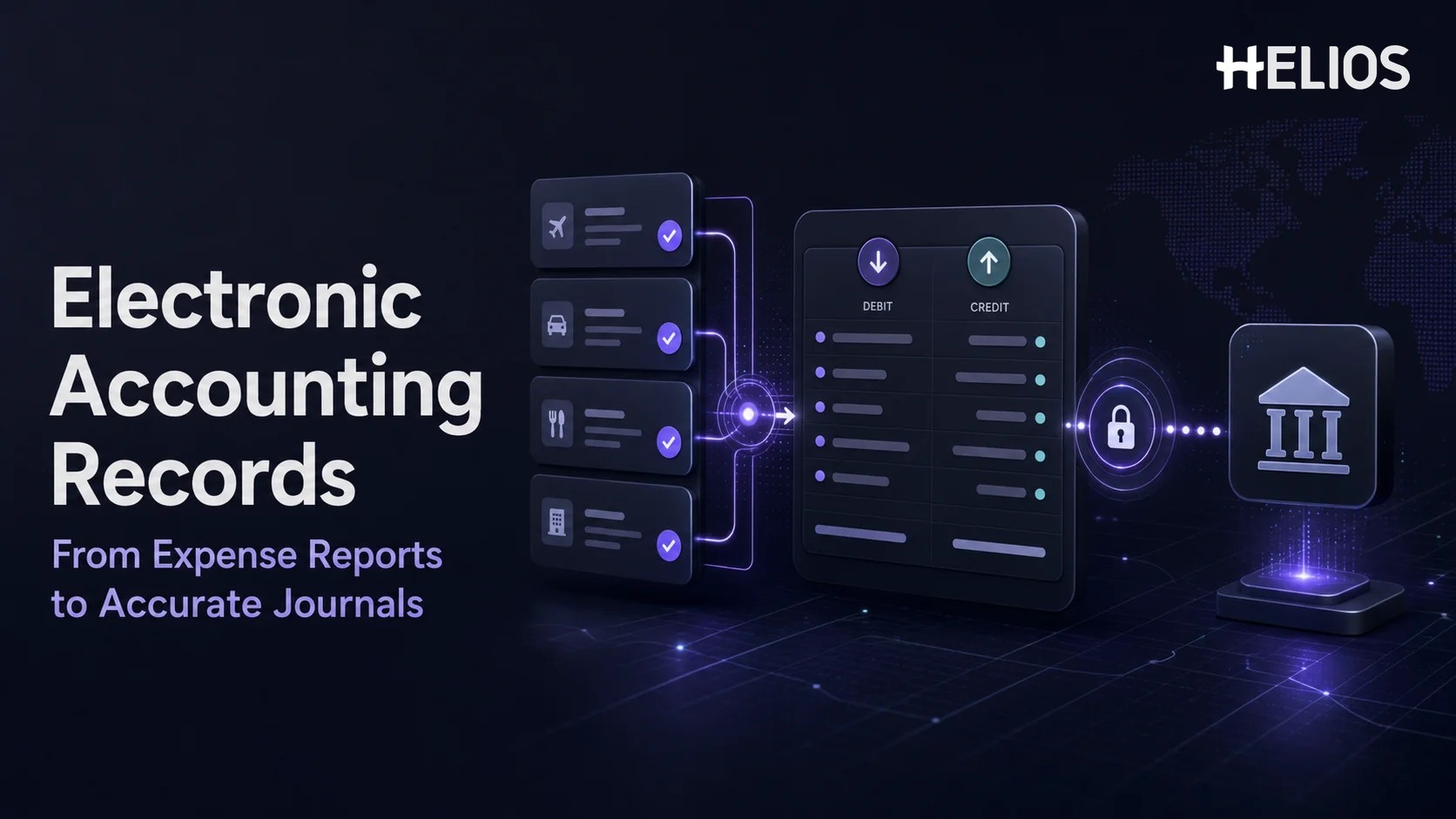
An employee expense begins as evidence and business context: a receipt, invoice, card transaction, date, amount, currency, purpose, category, project, or cost center. Finance must convert that information into accounting data that is complete, approved, correctly coded, and traceable to the original claim. When the process relies on spreadsheets and rekeying, every handoff creates another opportunity for missing dimensions, inconsistent tax treatment, duplicate entries, or lost support.
Automated expense management creates electronic accounting records by validating expense reports, applying approved coding, generating journal-ready entries, retaining the claim and decision history, and transferring data to finance systems. This article focuses on employee expenses and reimbursements. It does not attempt to cover every type of general ledger, invoice, payroll, or enterprise accounting record.
What Are Electronic Accounting Records in Expense Management?
Electronic accounting records are structured digital records used to support, explain, and post the financial effect of an expense transaction. In an expense workflow, the record may include the accounting date, legal entity, employee or payable account, expense account, cost center, project, tax code, currency, exchange rate, debit, credit, and a reference back to the approved report and supporting document.
The accounting entry is only one part of the record. Finance also needs evidence that the transaction was submitted, reviewed, approved, corrected where necessary, and transferred according to defined rules. A well-designed expense reporting system therefore retains the receipt or invoice, extracted fields, employee declaration, business purpose, policy results, approval history, finance review, accounting mapping, transfer status, and later adjustments.
Digital does not automatically mean accurate. If the source claim is incomplete, the wrong entity is selected, a personal item remains included, or the account mapping is outdated, automation can move the error faster. Accurate records depend on reliable source data, validation, approval authority, controlled mappings, exception review, and reconciliation after synchronization.
Expense Documents, Reports, and Accounting Records
These three layers serve different purposes and should remain connected:
- Source document. A receipt, invoice, hotel folio, restaurant bill, transportation record, or other evidence shows what was purchased and the amount charged.
- Expense report. The employee or company adds business purpose, category, payment method, attendees, entity, project, cost center, allocation, and other context required for approval.
- Electronic accounting record. Approved and validated information is translated into debit, credit, tax, payable, currency, entity, and analytical dimensions for the finance system.
A receipt alone does not show the full accounting treatment. It may not identify the legal entity, project, employee-paid status, reimbursable portion, business purpose, attendee requirement, or correct ledger account. The expense report adds those facts, while workflow controls establish who reviewed and approved them before the accounting record is created.
How an Expense Report Becomes an Accounting Record
A connected finance automation workflow usually includes the following stages:
- Capture the evidence. The employee photographs a receipt, uploads an invoice, or matches the expense to an imported company-card transaction.
- Structure the data. OCR and form logic capture merchant, date, amount, currency, tax, invoice number, payment information, and other available fields.
- Add accounting context. The employee or configured rules supply entity, category, business purpose, cost center, project, attendees, payment ownership, and allocation.
- Validate and approve. The expense reporting system checks completeness, evidence, policy conditions, duplicate risk, approval authority, and exception requirements.
- Apply accounting mappings. Approved categories and dimensions are translated into ledger accounts, tax codes, payable treatment, currency logic, and journal structure.
- Generate and transfer entries. The system creates accounting-ready debit and credit lines and sends or exports them to the designated finance system.
- Reconcile the result. Finance confirms successful transfer, handles rejected records, prevents repeated posting, and retains the final journal or external reference.
- Preserve the trail. The original evidence, report version, approvals, corrections, mappings, transfer events, and later adjustments remain traceable.
Which Expense Fields Feed Electronic Accounting Records?
The required fields depend on the company’s chart of accounts, entities, tax rules, currencies, payment method, analytical dimensions, and finance-system design. Common mappings include:
From Approved Expense Reports to Journal Entries
After approval, the expense system can translate report data into balanced journal lines. A simple employee-paid expense may debit an expense account and recoverable tax account, then credit an employee payable or reimbursement clearing account. A company-card expense may credit a card-clearing or card-payable account instead. The exact design depends on the organization’s accounting policy and finance-system configuration.
- Debit lines. Expense, asset, prepaid, project, or tax accounts receive the approved value according to category and local treatment.
- Credit lines. Employee payable, company-card clearing, cash advance, bank, or another settlement account reflects who funded the cost.
- Dimensions. Entity, cost center, department, project, client, location, product, employee, and other fields support allocation and reporting.
- Currency. Transaction, reimbursement, and base currencies may require exchange rates, rounding, and realized or unrealized difference treatment.
- References. Report number, employee, document number, merchant, dates, and external journal identifiers help reconciliation and lookup.
Organizations should decide whether entries are created per expense line, per report, per employee, per payment batch, or through a summarized journal. Greater detail supports traceability but can increase journal volume. Summary posting can reduce volume but must preserve a reliable link to the underlying approved expenses.
A Simple Accounting Example
Consider an employee-paid client meal for USD 108, consisting of USD 100 meal cost and USD 8 recoverable tax. The employee selects the correct entity, sales cost center, client project, and business purpose, then attaches the receipt and attendee information.
- Validate. The system confirms the receipt, attendees, policy limit, payment ownership, category, entity, and required approvals.
- Map. The meal category maps to the approved entertainment expense account, while the tax code maps USD 8 to the recoverable tax account.
- Create. The journal-ready record debits USD 100 to the meal expense account, debits USD 8 to recoverable tax, and credits USD 108 to employee payable.
- Transfer. The expense reporting system sends the entry and dimensions to the finance system and retains the external journal or batch reference.
- Reimburse and reconcile. Payment clears the employee payable according to the company’s reimbursement process, while finance confirms that the approved report was posted once.
If local policy treats the tax as nonrecoverable, the mapping changes. If the company card paid the bill, the credit changes. This is why automation needs controlled accounting rules rather than a universal journal template.
How Approval Workflows Protect Accounting Accuracy
The quality of electronic accounting records depends on the authority behind the expense report. Approval confirms more than the amount. It can establish business purpose, ownership, budget responsibility, policy exception, project allocation, and whether the reviewer has authority for the entity or threshold.
- Required data before approval. Prevent incomplete entity, account, cost center, project, tax, or payment fields from reaching the final reviewer.
- Conditional routing. Select approvers according to amount, department, role, entity, cost center, project, category, or exception type.
- Separation of duties. Control who can submit, approve, adjust, map, post, reimburse, and administer accounting rules.
- Exception authorization. Require a documented reason and appropriate approver for policy, evidence, coding, or tax exceptions.
- Final finance review. Allow finance to confirm accounting treatment, correct authorized fields, or return the report before transfer.
What an Expense Audit Trail Should Preserve
An audit trail connects the posted accounting result with the evidence and decisions that produced it. For expense management, useful history includes:
- Source evidence. Original and replacement receipts, invoices, images, extracted fields, and document-quality indicators.
- Report versions. Initial submission, returned versions, employee corrections, finance adjustments, and the final approved values.
- Policy results. Rules evaluated, exceptions identified, warnings shown, overrides applied, and supporting explanations.
- Approval actions. Approver identity, role, timestamp, comments, delegation, return, rejection, escalation, and final authorization.
- Accounting logic. Category and dimension mappings, tax treatment, exchange rate, entry version, batch, and generated debit and credit lines.
- Integration events. Export or API status, finance-system response, rejected records, retry, correction, external journal identifier, and posting date.
- Settlement history. Reimbursement batch, payment status, advance clearing, card reconciliation, cancellation, refund, recovery, and later adjustment.
Retention and access should follow the organization’s legal, tax, privacy, security, and records-management requirements. The expense trail supports operational and financial review, but it does not replace independent audit judgment or jurisdiction-specific advice.
How Expense Data Synchronizes with Finance Systems
A finance-system connection can use an API, scheduled interface, file export, middleware, or another supported integration. Regardless of transport, the process should control record identity, mapping version, transfer status, error handling, and repeated posting.
- Validate before transfer. Confirm mandatory accounts, entities, dimensions, tax fields, currency, totals, and balanced journal lines.
- Use stable identifiers. Assign report, expense, batch, and external references that support lookup and prevent duplicate posting.
- Record the response. Capture whether the finance system accepted, rejected, partially processed, or returned the entry for correction.
- Manage retries safely. Correct the cause and resubmit without creating a second journal for a record already accepted.
- Reconcile totals and status. Compare approved reports, transfer batches, posted journals, employee payables, and reimbursement results.
- Handle later changes. Use controlled reversal, adjustment, refund, recovery, or reclassification records instead of silently overwriting history.
Companies should confirm the exact integrations, supported finance systems, data objects, field mappings, frequency, authentication, error behavior, and ownership that apply to their environment. A logo or generic API claim is not evidence that a specific posting design is available without configuration.
How Finance Automation Improves Record Quality
Finance automation improves electronic accounting records by reducing rekeying and applying repeatable validation, mapping, and transfer logic. The most important benefits are control and consistency, not merely speed.
- Fewer transcription errors. Recognized receipt data and approved report fields flow into accounting preparation without repeated manual entry.
- Consistent coding. Controlled category, entity, dimension, tax, and settlement mappings reduce individual interpretation.
- Earlier exception handling. Missing fields, policy issues, duplicate risk, invalid dimensions, and unsupported evidence can be resolved before posting.
- Faster close support. Finance can monitor approved, transferred, rejected, reimbursed, and unposted expenses rather than consolidating spreadsheets.
- Stronger traceability. The journal-ready entry retains references to the report, receipt, approvals, mapping, and finance-system response.
- Better analysis. Validated dimensions support reporting by entity, department, cost center, project, merchant, employee, category, tax, and currency.
Automation can also create new risks if mappings are changed without testing, integrations are retried without idempotent controls, administrators can approve their own changes, or rejected records are not monitored. Governance must cover configuration, access, change approval, testing, deployment, and reconciliation.
Controls for Accurate Electronic Accounting Records
Organizations should design controls around the complete expense-to-accounting lifecycle:
- Master-data validation. Use active and authorized entities, accounts, cost centers, projects, employees, tax codes, currencies, and vendors or merchants where applicable.
- Balanced entry validation. Confirm debits equal credits and that required references and dimensions are present before export.
- Duplicate protection. Prevent the same report, expense, reimbursement, or integration batch from being posted or paid twice.
- Mapping governance. Document account and tax logic, owners, effective dates, testing evidence, approvals, and rollback procedures.
- Access and separation. Restrict who can edit claims, approve exceptions, change mappings, run transfers, release reimbursement, and administer roles.
- Interface monitoring. Review failed, partial, duplicated, delayed, and manually adjusted transfers until closure.
- Reconciliation. Compare approved expense totals with journal totals, payable balances, card clearing, advances, and reimbursement batches.
How to Evaluate an Expense Reporting System
A product demonstration should follow a real report from receipt capture through approval, accounting entry, transfer, correction, and reporting. Important questions include:
- Accounting flexibility. Can the system support required accounts, entities, dimensions, allocations, taxes, currencies, payment methods, and journal structures?
- Traceability. Can a reviewer move from a finance-system reference back to the report, expense line, document, approval, and mapping version?
- Exception workflow. How are missing fields, invalid mappings, rejected transfers, returned reports, duplicate posts, and later adjustments handled?
- Integration evidence. Which systems, objects, directions, frequencies, authentication methods, error responses, and reconciliation reports are supported?
- Security and retention. How are access, encryption, change history, data location, retention, deletion, and sensitive receipt information controlled?
- Operational measurement. Can finance monitor approval backlog, unposted expenses, interface failures, correction rate, posting time, reimbursement status, and close-period exceptions?
How to Implement Expense-to-Accounting Automation
Implementation should begin with the target accounting result and work backward to the employee form and receipt requirements:
- Map the current lifecycle. Document evidence, submission, approval, finance review, coding, journal creation, transfer, reimbursement, reconciliation, and reporting.
- Define the accounting design. Confirm journal granularity, accounts, entities, dimensions, tax, currencies, payment ownership, reference fields, and posting dates.
- Configure workflow and mappings. Set required fields, policy rules, approval authority, finance controls, account logic, interface rules, and access.
- Test representative cases. Include employee-paid, company-card, advance, multi-currency, tax, split allocation, missing receipt, policy exception, refund, rejection, and retry scenarios.
- Reconcile the pilot. Compare source documents, approved reports, generated entries, finance-system journals, payables, and reimbursement totals.
- Operate with governance. Assign owners for policy, workflow, master data, mappings, integrations, access, monitoring, reconciliation, and change approval.
How Helios Supports Expense-to-Accounting Automation
Helios connects receipt capture, employee claims, automated controls, approval, accounting preparation, reporting, and AI assistance. Its capabilities support several requirements for electronic accounting records:
- Structured receipt and invoice capture. OCR extracts relevant document information to populate expense details and reduce transcription before accounting review.
- Automated policy control and approval. Configured rules and flexible workflows help confirm required evidence, business conditions, and approval authority before records move downstream.
- Accounting entry generation. Approved expense reports can generate accounting entries, reducing manual preparation and repeated entry for finance teams.
- Finance-system connectivity. Helios presents accounting integration capabilities and API interfaces for connecting expense data with downstream finance processes.
- Reporting and AI assistance. Multi-dimensional dashboards and customizable reports help finance analyze expense and workflow data. Spark AI adds conversational assistance across claim, approval, travel, and service tasks.
Helios also presents itself as an enterprise-grade provider with global experience and information security credentials. Companies should still validate the exact accounting engines, journal structures, finance-system integrations, entities, currencies, tax fields, mappings, approval roles, audit history, reconciliation, security, and implementation scope required by their organization. A tailored demonstration using real expense-to-journal scenarios is the best way to confirm fit.
FAQs About Electronic Accounting Records
What are electronic accounting records for employee expenses?
They are structured digital records that connect approved expense data with accounting fields such as entity, account, cost center, project, tax, currency, debit, credit, payable treatment, journal reference, and supporting evidence.
How does an expense report generate a journal entry?
After validation and approval, configured mappings translate expense categories, entities, dimensions, taxes, currencies, and payment ownership into balanced debit and credit lines for export or synchronization.
What should the expense audit trail include?
It should preserve source documents, extracted fields, report versions, corrections, policy results, approvals, finance adjustments, mapping logic, generated entries, interface events, external journal references, payment status, and later changes.
How does finance automation improve accounting accuracy?
It reduces rekeying, applies consistent validation and mappings, identifies exceptions before posting, records transfer status, and supports reconciliation. Accuracy still depends on correct source data, configuration, access, testing, and review.
Can an expense reporting system synchronize with a finance system?
Many systems support APIs, interfaces, middleware, or file exports. Companies should confirm the specific finance system, data objects, fields, frequency, authentication, error behavior, retry control, and reconciliation design.
Does automation eliminate accounting review?
No. Finance remains responsible for accounting policy, mapping governance, tax and currency treatment, exception review, integration monitoring, reconciliation, access control, and the quality of final posted records.
Accurate electronic accounting records are created when evidence, business context, approval, accounting logic, transfer status, and reconciliation remain connected. Finance teams can explore Helios expense-to-accounting automation through a demonstration using their own reports, mappings, entities, currencies, tax rules, journal structures, and finance-system requirements.