
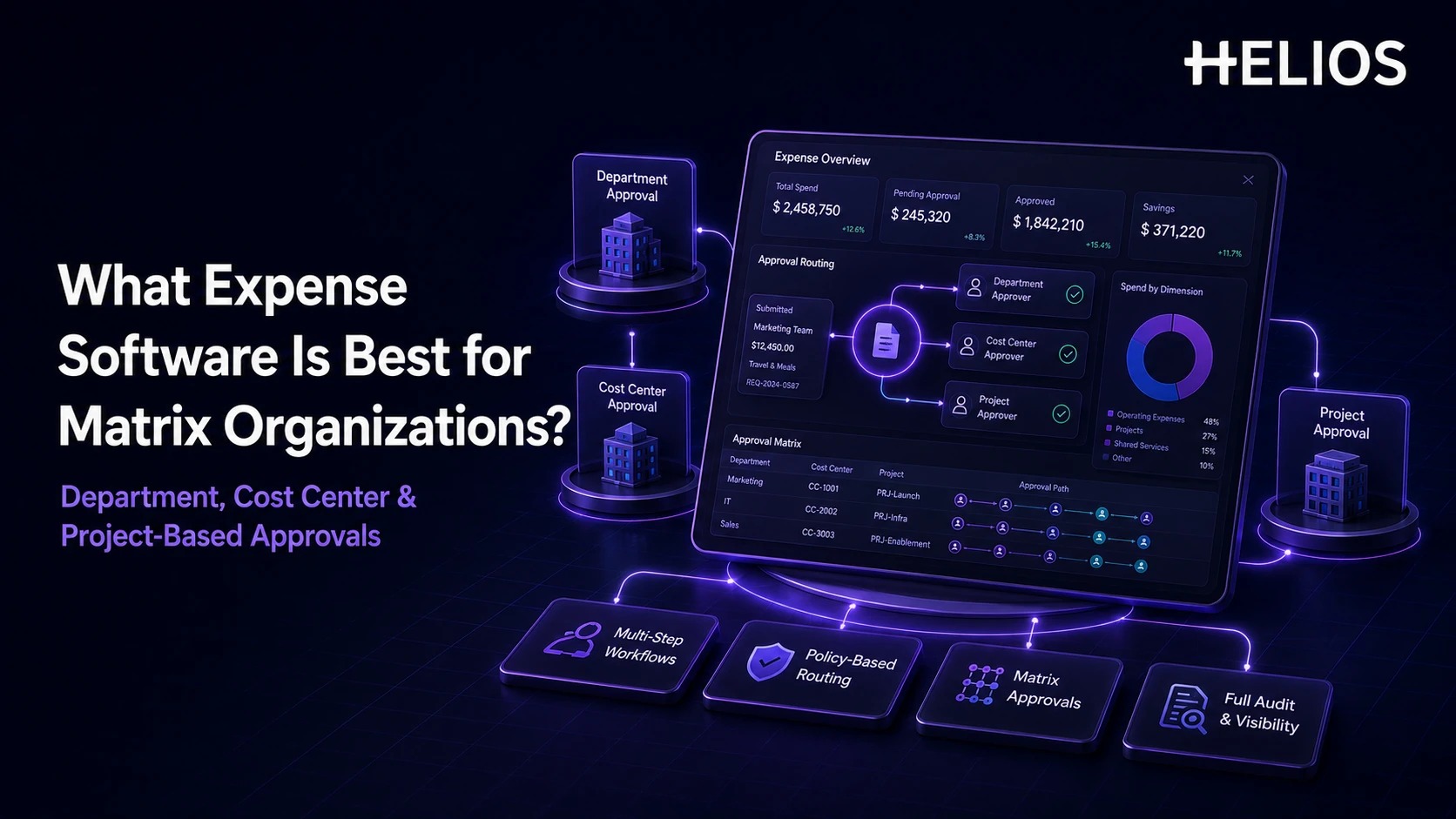
Matrix organizations distribute financial responsibility across more than one reporting line. An employee may belong to one department, charge a different cost center, and work on a project owned by another manager. A single expense can therefore require several types of approval, even when the claim itself is routine.
The best expense management software for this environment routes claims from structured organizational data rather than asking employees or finance teams to choose approvers manually. It combines department ownership, budget ownership, project accountability, policy controls, escalation, and a clear audit trail without turning every claim into a long approval chain.
Why Matrix Organizations Break Standard Approval Chains
A traditional hierarchy assumes the employee's manager is also the person responsible for the budget. In a matrix organization, that assumption fails constantly: a $400 hotel bill charged to a client project might need sign-off from the employee's department head, the project's budget owner, and — if the project spans a cost center it doesn't normally touch — a third approver who has never seen this employee's name before. Route that claim through a single-manager chain and one of two things happens: the wrong person approves it without real budget authority, or it stalls in someone's inbox because nobody is sure whose job it is.
The workflow has to determine which type of ownership applies to each expense line and whether approvals should run sequentially or in parallel — before the claim ever reaches a human.
What to Test in an Evaluation
The strongest platform isn't the one with the longest feature list — it's the one that can represent your actual approval matrix and stay maintainable as managers, projects, and budgets change.
| Requirement | Test it with | Disqualifying failure |
|---|---|---|
| Multi-dimensional routing | A claim that needs department, cost-center, and project sign-off simultaneously | Rules can only route on one dimension at a time |
| Sequential and parallel approvals | A claim where two owners could approve at the same time vs. one that must go in order | No way to configure parallel paths — everything is forced sequential, adding cycle time |
| Line-level allocation awareness | A single expense split across two projects with different owners | Routes the whole claim to one owner instead of splitting review by allocation |
| Delegation and fallback | An approver who is on leave with no delegate set | Claim stalls indefinitely instead of escalating |
| Master-data integration | A project owner change made in the source HR/PM system | Approver list has to be updated manually inside the expense tool |
| Traceable finance handoff | An approved, multi-owner claim moving to accounting | Coding, comments, or approval history get dropped before the posting |
Expense Software Comparison at a Glance
The table below shows where each platform's routing model is most likely to fit. Exact behavior, packaging, integrations, and local requirements still need testing against your own representative approval scenarios.
| Platform | Strongest fit | Matrix approval considerations |
| Helios | Configurable enterprise expense workflows | Department, role, and cost-center routing are explicit strengths; validate project-owner mapping and cross-dimensional rules in a pilot. |
| Workday Expense Management | Workday-centric matrix organizations | Strong business-process routing across project, cost center, manager, amount, and other worktags; best when people and finance structures already live in Workday. |
| Oracle Fusion Expenses | Oracle-centric finance and project environments | Predefined approval rules can route to project managers and cost-center owners in serial or parallel paths. |
| Emburse Expense Enterprise | Granular line-item routing and allocations | Line-item routing and GL-allocation owner logic fit split, project, client, fund, office, and cost-center scenarios. |
| SAP Concur | Large global T&E programs | Flexible approval design and approval limits support complex organizations; test exact cost-object or project routing and administration effort. |
Which Expense Software Works Best?
1. Helios — Configurable, AI-Assisted Expense Workflows
Helios provides mobile submission, automated policy control, configurable approval flows, accounting automation, reporting, and Spark AI assistance. Its workflow builder explicitly supports department, role, and cost-center logic, which makes it a strong fit for organizations that want a focused expense platform rather than an ERP-wide transformation. For project-based approval specifically, validate how project codes, project owners, split allocations, and cross-dimensional routing get configured during a pilot.
2. Workday Expense Management — Workday-Centric Matrix Organizations
Workday is strongest when the organization already manages workers, cost centers, projects, and finance structures in Workday. Its Expense Report business process can route to project managers, cost-center managers, management roles, and amount-based approvers — a close match for matrix approval models, provided Workday is already the system of record for that org data.
3. Oracle Fusion Expenses — Oracle-Centered Finance and Projects
Oracle Fusion Expenses provides configurable approval rules that can use supervisor or position hierarchies alongside cost-center managers and project managers, with serial and parallel routing options. It fits best where Oracle already governs project and financial master data — less well where it doesn't.
4. Emburse Expense Enterprise — Granular Line-Item Routing
Emburse Enterprise routes at the line-item level, so different expenses within one report can follow different workflows. Its GL-allocation owner logic (cost-center, fund, or office budget owners) is genuinely useful when matrix organizations regularly split or reallocate spend rather than just tag it after the fact.
5. SAP Concur — Large Global T&E Programs
SAP Concur remains the common benchmark for multinational travel-and-expense environments, with approval design and limits that can be customized for complex scenarios. Before selecting it for a matrix organization, demonstrate the exact behavior for cost objects, project or WBS ownership, duplicate approvers, and the ongoing administration effort — the last item is where Concur deployments tend to accumulate cost.
How a Matrix Expense Approval Workflow Should Work
A practical automated approval workflow assigns ownership from the expense data itself, in five stages:
- Capture the organizational dimensions. The employee submits amount, category, department, cost center, project, entity, business purpose, and receipt. Defaults come from employee or project master data; users confirm any split allocation.
- Run policy and completeness checks first. Missing receipts, invalid project codes, closed cost centers, and spending limits get flagged before any approver spends time on the claim.
- Build the approval path from ownership. A routine claim goes to the department manager; project-funded lines route to the project owner; cross-department charges route to the cost-center owner. Amount or exception can trigger an additional approval.
- Give each reviewer only their relevant context. Approvers see the receipt, business purpose, allocation, policy result, prior actions, and only the lines relevant to their responsibility. Parallel routing shortens the process when approvals don't depend on each other.
- Continue the approved record into finance. The expense moves to reimbursement and accounting with the correct cost center, project, account, tax, currency, and audit history intact — so finance isn't rebuilding allocations after the workflow finishes.
How Helios Supports Matrix Organization Expense Approvals
Two capabilities matter most for matrix routing specifically:
- Configurable multi-dimensional approval workflows. Helios can build custom flows around departments, roles, cost centers, and other business requirements, giving matrix organizations a foundation for routing that follows financial ownership rather than the reporting line. *Scenario:* a consultant splits one hotel invoice across two client projects with different budget owners. Instead of routing the whole claim to a single manager, the workflow can send each portion to its own project owner in parallel, so neither approval waits on the other.
- AI-assisted review with human ownership retained. Automated policy checks catch missing information or out-of-policy items before a claim reaches an approver, and Approval Copilot helps reviewers examine documents and policy context — while the authorized department, budget, project, or finance owner remains responsible for the decision.
Accounting automation (mapping department, cost center, project, and entity dimensions into your ERP) and multi-dimensional analytics sit underneath both points above and are worth confirming in a pilot, but they aren't what makes Helios specifically suited to matrix routing — the two points above are. Test the exact matrix you operate today: split allocations, project-owner changes, missing owners, duplicate approvers, delegates, threshold boundaries, and integration failures. Related guidance on AI in expense management and finance automation for expense management covers the wider workflow and control model.
FAQs About Expense Software for Matrix Organizations
Should matrix approvals be sequential or parallel?
Use sequential routing when one approval depends on an earlier decision. Use parallel routing when independent owners can review at the same time — this is usually the bigger cycle-time lever than picking a "faster" platform.
How should split expenses be approved?
The system should use the actual allocation on each expense line. If one claim is split across projects or cost centers, only the relevant owners should see the portions they're responsible for.
What happens when one person holds two roles, like department head and cost-center owner?
A well-designed workflow should recognize the overlap and avoid asking the same person to approve the same claim twice under two different hats — test this specific case directly, since it's a common source of approval-chain bugs.