
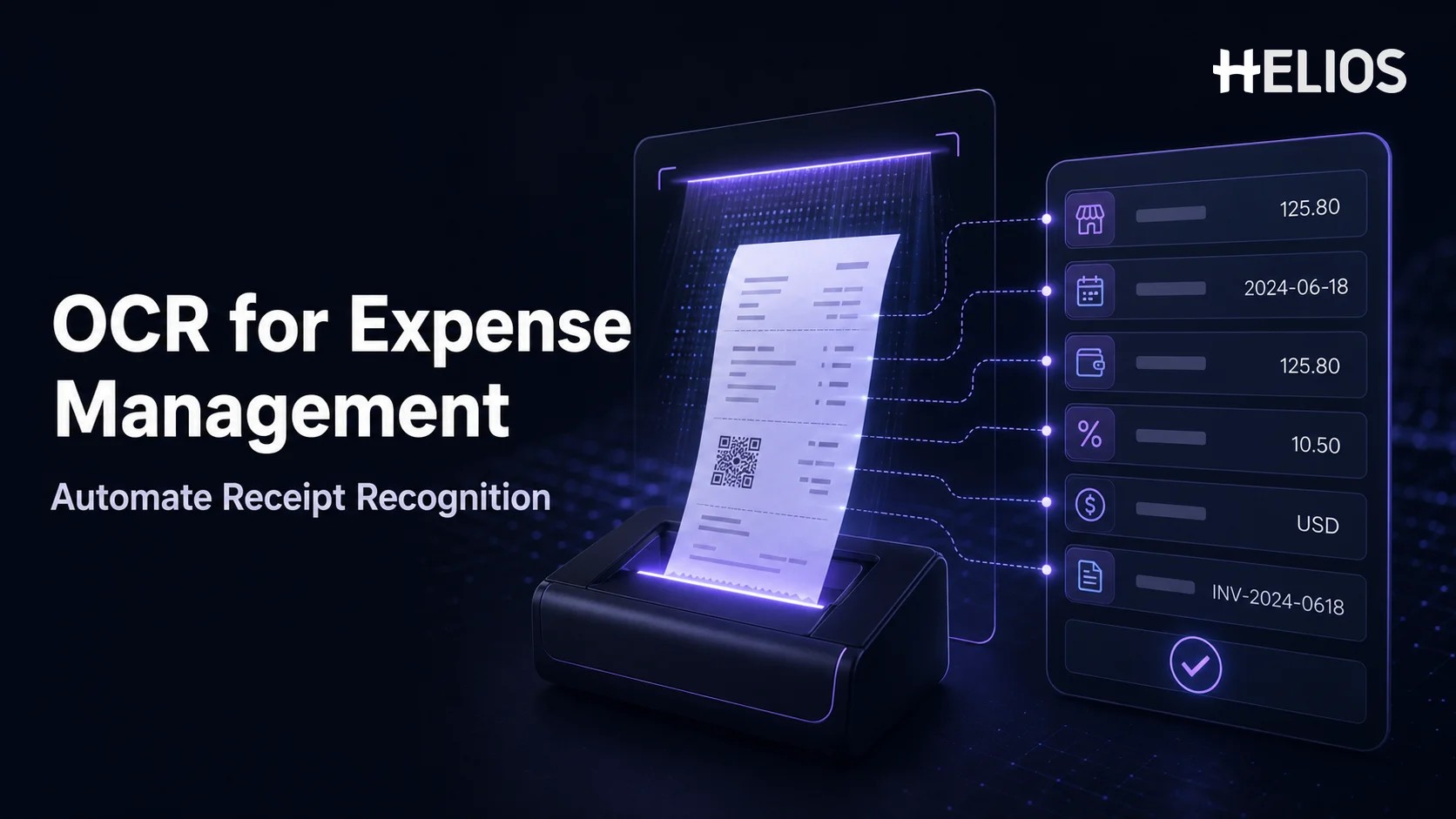
Expense claims often begin with an unstructured document: a receipt, electronic invoice, hotel folio, restaurant bill, taxi receipt, or phone image. Someone must read it and enter merchant, date, amount, currency, tax, category, and business context into an expense report. Across hundreds or thousands of claims, this manual entry becomes slow, inconsistent, and difficult to review.
OCR document recognition turns receipt and invoice images into structured expense data. It detects text, identifies relevant fields, and supplies values to the expense claim so the employee verifies information instead of typing every field. Combined with policy checks, approval workflows, finance review, and accounting integration, recognition becomes a practical foundation for automated expense reporting.
What Is OCR Document Recognition?
OCR document recognition is the process of converting text and layout from an image or digital document into machine-readable information. OCR stands for optical character recognition. In expense management, the objective is not only to create a block of searchable text. The system must understand which text represents the merchant, invoice number, transaction date, subtotal, tax, tip, total, currency, and other fields required by the expense workflow.
A basic OCR engine may return characters and words. Expense-focused document recognition adds document classification, field extraction, normalization, validation, and mapping. For example, it can distinguish the total from the subtotal, interpret a date format, recognize a currency symbol, identify a tax line, and map the result into the correct claim fields.
Recognition does not mean every value is automatically correct. Image quality, handwriting, folded receipts, multiple languages, unfamiliar layouts, faint thermal paper, line-item density, and ambiguous currencies can reduce confidence. A reliable process combines automation with clear validation rules and human review for uncertain or exceptional cases.
OCR Recognition vs. Document Scanning
Scanning and recognition solve different problems. Scanning creates a digital copy of a document. OCR reads the visible characters. Document recognition interprets the document structure and converts selected information into fields that other systems can use.
- Digital image. A photo or PDF preserves the receipt for evidence, but the contents still need to be read manually.
- OCR text. The system converts visible characters into searchable text, but may not know which number is the reimbursable total.
- Recognized expense fields. The system locates and labels relevant values, such as merchant, invoice date, tax, total, and currency.
- Workflow-ready data. Validated fields are mapped into the claim, combined with employee context, and passed to policy, approval, reimbursement, accounting, and reporting processes.
This distinction matters when comparing products. A document archive with searchable text can help retrieval, but it does not automatically reduce claim entry unless the recognized values are mapped into the expense reimbursement software.
How OCR Receipt and Invoice Recognition Works
An expense-focused OCR workflow typically includes the following stages:
- Capture the document. The employee photographs a receipt, uploads an image or PDF, forwards an invoice, or matches a document to a transaction.
- Improve the image. The system can rotate, crop, align, enhance contrast, reduce noise, and separate pages so the document is easier to read.
- Classify the document. The system identifies whether the file is a receipt, tax invoice, hotel folio, restaurant bill, transportation document, or another supported type.
- Recognize text and layout. OCR locates characters, words, tables, labels, and spatial relationships while retaining where information appears on the page.
- Extract expense fields. The recognition layer identifies merchant, date, invoice number, amounts, taxes, currency, payment details, and line items where available.
- Normalize values. Dates, decimal separators, currency codes, tax amounts, and merchant names are converted into consistent formats for the expense system.
- Validate and score confidence. The system checks relationships such as subtotal plus tax equaling total and flags missing, conflicting, or low-confidence values.
- Map data into the claim. Recognized values populate the appropriate fields so the employee or finance reviewer can confirm, correct, and submit them.
Which Expense Fields Can OCR Extract?
The fields available depend on document type, image quality, language, layout, and product configuration. The following table shows common examples and how they support the expense process.
Some information is extracted directly from the document, while other values are derived. OCR may read a restaurant name and line items; a separate classification model or company rule may suggest the expense category. The employee still supplies business context that is rarely printed on the receipt, including trip purpose, project, cost center, attendees, and whether the cost was personal or business-related.
Receipt Recognition vs. Invoice Recognition
Receipts and invoices share fields, but they are not identical. A receipt usually proves that a transaction has occurred and may contain a compact merchant layout, payment method, tax, tip, and line items. An invoice may contain supplier and customer identities, invoice number, invoice and due dates, payment terms, service period, tax registration data, and detailed lines.
- Receipt recognition prioritizes transaction date, merchant, location, subtotal, tax, tip, total, currency, payment method, and itemized purchases.
- Invoice recognition prioritizes supplier, customer, invoice number, dates, terms, tax identifiers, purchase references, line items, and amount due.
- Hotel folio recognition may need to distinguish nightly room charges, taxes, meals, parking, internet, minibar, and personal items across multiple dates.
- Restaurant receipt recognition may need to identify itemized purchases, tax, service charge, tip, total, payment amount, and attendee information supplied separately.
An effective expense workflow should retain the original image, recognized values, employee corrections, and reviewer actions. This gives finance a traceable relationship between the evidence and the final report.
How OCR Automates Expense Claims
OCR becomes valuable when it is connected to the full claim workflow rather than used as a separate extraction tool. A typical process is:
- Upload or capture the receipt. The employee uses a mobile device or web interface to attach the document immediately after the purchase or when preparing the report.
- Auto-fill the expense. Recognized merchant, date, amount, currency, tax, invoice number, and other available values populate the claim.
- Add business context. The employee confirms the category, business purpose, trip, project, cost center, attendees, payment method, and any required allocation.
- Validate the claim. The system checks missing fields, totals, receipt requirements, duplicate-looking items, currency treatment, spending limits, and other policy conditions.
- Review and approve. Managers and finance users examine the structured data, original document, policy results, exceptions, and employee corrections before deciding the claim.
- Reimburse, account, and report. Approved employee-paid amounts move toward payment, while coded data is transferred into accounting and automated expense reporting.
A Simple OCR Expense Claim Example
Consider an employee who pays for an airport rideshare and photographs the receipt. A simple use sequence is:
- Capture. The employee uploads the receipt from a mobile device rather than keeping it for later manual entry.
- Recognize. OCR identifies the rideshare merchant, trip date, time, amount, currency, tax, and masked payment information shown on the document.
- Auto-fill. The expense claim is populated with the recognized values and a suggested ground-transport context where supported.
- Verify. The employee compares the values with the image, confirms that the cost was personally paid, and adds the client-meeting purpose and cost center.
- Check. The system confirms the receipt requirement and evaluates the amount, date, duplicate risk, and applicable policy rule.
- Submit. The employee sends the completed claim for approval without typing the merchant, date, total, currency, and tax from scratch.
If the total is unclear or the currency cannot be identified confidently, the value should be highlighted for confirmation. Automation should make uncertainty visible rather than silently treating every extraction as correct.
How OCR Reduces Manual Expense Entry
The primary value of OCR document recognition is not the number of characters it reads. It is the amount of repetitive claim work it removes while preserving control.
- Fewer typed fields. Employees verify captured values instead of transcribing common receipt and invoice details.
- Earlier document capture. Mobile upload encourages employees to submit evidence before receipts are lost or become unreadable.
- More consistent data. Normalized dates, currencies, merchant names, and amounts reduce formatting differences between claims.
- Faster finance review. Reviewers can compare structured fields with the source document and focus on exceptions rather than rekeying information.
- Improved coding and reporting. Complete structured fields give accounting and automated expense reporting more reliable dimensions.
- Better employee experience. Shorter claim preparation can improve timely submission and reduce repeated questions about basic data entry.
The actual time saved depends on recognition quality, the number of fields, document mix, required employee context, and the percentage of claims that still need correction. Organizations should measure results using real documents rather than assuming a universal accuracy or time-saving rate.
Where Human Review Is Still Essential
OCR should reduce manual entry, not remove employee and finance responsibility. Human review remains important when:
- Low-quality image. The document is blurred, cropped, folded, faint, handwritten, or partially missing.
- Ambiguous values. Several totals, currencies, dates, tax rates, or payment amounts could be interpreted differently.
- Mixed content. The document contains business and personal items or needs line-item allocation.
- Duplicate-payment risk. A company-card transaction, advance, or previously submitted document may already cover the cost.
- Missing business context. The purpose, attendees, project, cost center, or trip context is not printed on the document.
- Policy exception. The expense exceeds a limit, lacks required evidence, or requires an exception decision.
- Low confidence or inconsistency. The system identifies a mathematical, currency, supplier, tax, or policy conflict.
A strong workflow sends uncertain fields to the right person, records corrections, and makes the original image easy to compare. Finance should also be able to return, adjust, reject, or escalate a claim with a documented reason.
OCR and Automated Expense Reporting
OCR provides the structured input required for downstream automation. Once a receipt becomes reliable data, the expense report can move through validation, approval, reimbursement, accounting, and analytics with less re-entry. Useful connections include:
- Expense form auto-fill. Map recognized fields directly into the employee claim and category-specific forms.
- Transaction matching. Connect receipts with company-card or imported payment records and identify unmatched or duplicate-looking items.
- Policy automation. Use amounts, dates, categories, currencies, line items, and receipt status in configurable checks.
- Approval automation. Route complete reports by department, role, amount, cost center, project, category, or exception type.
- Accounting preparation. Convert approved reports into journal-ready entries with accounts, tax, entities, projects, and other dimensions.
- Management reporting. Analyze merchant spend, categories, tax, policy exceptions, missing receipts, processing time, and reimbursement status.
How to Evaluate OCR in Expense Reimbursement Software
A product demonstration should use the organization’s actual document mix rather than a few perfect sample receipts. Evaluation criteria include:
- Document coverage. Test paper receipts, electronic invoices, hotel folios, restaurant bills, transportation documents, multi-page files, and supported image formats.
- Field coverage. Confirm which fields, line items, taxes, currencies, languages, and document types are extracted and which are derived by other logic.
- Accuracy and confidence behavior. Measure exact field results and verify how low-confidence, missing, conflicting, or mathematically inconsistent values are shown.
- Employee correction experience. Users should be able to compare the document with the field, correct it quickly, and understand what remains incomplete.
- Duplicate and payment controls. Test how recognized documents match card transactions, advances, previously submitted receipts, and employee-paid status.
- Workflow integration. Confirm that recognized data feeds policy checks, approvals, finance review, reimbursement, accounting, and reporting without unnecessary re-entry.
- Security and retention. Validate encryption, access, data location, retention, deletion, audit history, and handling of personal or sensitive receipt information.
- Operational measurement. Track manual fields avoided, correction rate, submission time, review time, missing evidence, exceptions, and employee adoption during a pilot.
How Helios Supports OCR-Powered Expense Claims
Helios combines mobile submission, OCR receipt and invoice capture, automated policy control, configurable approvals, accounting automation, reporting, and AI assistance. Its capabilities support several recognition and claim requirements:
- AI-powered receipt and invoice recognition. Employees can photograph or upload a document, and OCR extracts relevant information to auto-fill expense details and reduce manual entry.
- Mobile and conversational claim entry. Employees can submit expenses through a mobile-first experience, while Claim Copilot supports a more natural way to prepare reimbursement requests.
- Automated policy control and approval. Structured claim data can be checked against company rules and routed through configurable approval workflows organized around business requirements.
- Finance review and accounting automation. Approved expense reports can generate accounting entries, reducing downstream re-entry after employee and reviewer validation.
- Reporting and AI assistance. Multi-dimensional dashboards and customizable reporting help finance analyze expense data and workflow outcomes. Spark AI adds conversational assistance across claim, approval, and service tasks.
Helios also presents itself as an enterprise-grade provider with global experience and information security credentials. Organizations should still test recognition with their own languages, currencies, receipts, invoices, tax documents, line items, policy rules, integrations, security requirements, and exception scenarios. A tailored demonstration and controlled pilot are the best ways to validate fit.
FAQs About OCR Document Recognition
What is OCR document recognition?
OCR document recognition converts text and layout from receipts, invoices, and other files into structured, machine-readable fields. In expense management, those fields can populate a claim and support validation, approval, reimbursement, accounting, and reporting.
What information can OCR extract from a receipt?
Depending on the document and system, OCR can extract merchant, date, time, subtotal, tax, tip, total, currency, payment information, location, and line items. Employees still need to provide business purpose, allocation, attendees, and other context not printed on the receipt.
How does OCR reduce manual expense entry?
Recognized values auto-fill expense fields so employees verify and complete the claim instead of typing every merchant, date, amount, currency, tax, and invoice reference from scratch.
Is OCR document recognition always accurate?
No. Accuracy depends on image quality, layout, language, handwriting, document type, and field complexity. Reliable workflows show uncertain values, apply validation, retain the original image, and require human confirmation where needed.
How does OCR support automated expense reporting?
OCR supplies structured receipt and invoice data to the expense reporting system. That data can support policy checks, approval routing, transaction matching, reimbursement, accounting entries, and management reporting without repeated manual entry.
What should companies test before choosing OCR expense reimbursement software?
Test real receipts and invoices across languages, currencies, document types, taxes, line items, image qualities, duplicate scenarios, and exceptions. Measure field accuracy, correction effort, workflow integration, security, and operational results during a pilot.
OCR creates the most value when recognized document data flows directly into a controlled expense process and uncertain values remain visible for review. Organizations evaluating an enterprise-focused platform can explore Helios OCR-powered expense management and request a demonstration using their own receipts, invoices, languages, currencies, policy checks, approvals, accounting, and reporting requirements.