
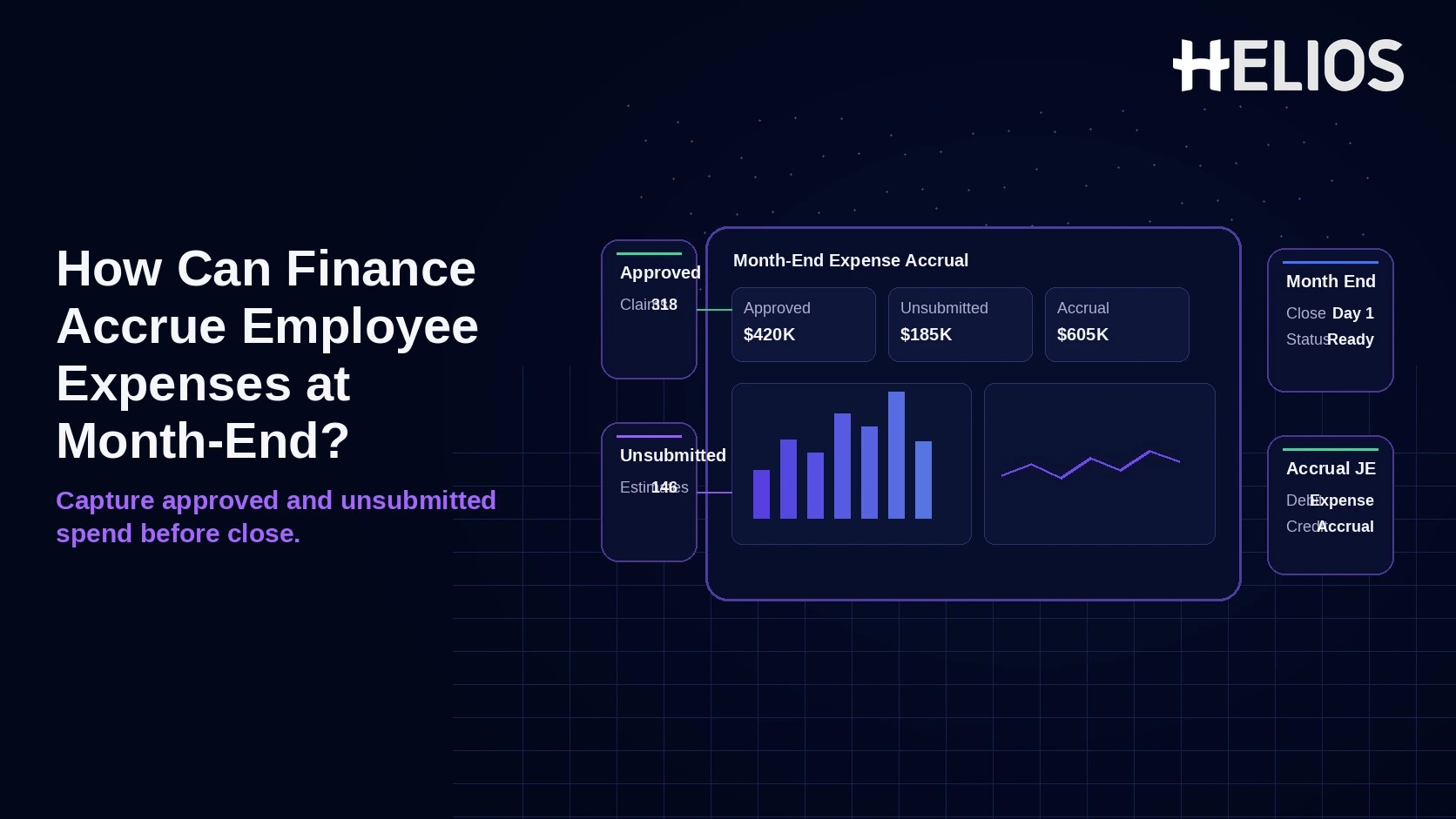
Month-end close often arrives before every employee has finished an expense report. Travel may already have occurred, meals may already have been consumed, and taxi or mileage costs may already belong to the period even though the claim is still waiting for submission or approval. Under accrual accounting, finance should focus on when the underlying expense was incurred, not only on when the employee clicks Submit or when cash is reimbursed.
The practical challenge is evidence. Approved claims provide a known amount and coding. Unsubmitted expenses require a reasonable estimate and stronger controls to avoid double-counting, speculative accruals, or reversals that never clear. The best process separates these populations, uses a documented cut-off, posts by the right entity and accounting dimensions, then reverses or true-ups against actual claims in the next period.
Which Employee Expenses Should Be Accrued?
| Population | Month-End Treatment | Why |
| Approved, not yet reimbursed or posted | Accrue or record the approved liability if not already in the ledger | Amount, business purpose, and coding are substantially known |
| Submitted, still in approval | Accrue when incurred and reasonably measurable, subject to policy/materiality | Claim exists but final approval may still change amount or coding |
| Incurred, not yet submitted | Estimate when material, probable/expected, and reasonably measurable | Economic activity belongs to the closing period even though the claim is late |
| Pre-approved future travel | Do not accrue merely because it was approved | Approval alone does not mean the cost has been incurred |
| Corporate card transaction already recorded | Do not accrue again | Avoid double-counting liabilities already captured through the card/ERP feed |
| Employee cash advance | Track separately as an advance until supported expenses are incurred | An advance is not automatically a period expense |
Approved Expenses and Unsubmitted Expenses Need Different Methods
Finance should avoid one blanket percentage for the whole employee population. The closer the source is to the actual transaction, the less estimation risk the accrual carries.
- Approved but unpaid. Use the approved expense report amount and final accounting dimensions unless the claim has already posted to the GL, employee payable, corporate card payable, or reimbursement clearing account.
- Submitted but not fully approved. Use the submitted amount only when the expense is clearly incurred and the remaining approval is not expected to change it materially. High-risk or disputed claims should remain in an exception bucket.
- Incurred but unsubmitted. Use a documented estimate based on actual transaction feeds, consumed travel bookings, trip activity, employee attestations, or historical submission-lag data. A travel request is evidence of expected spend, not proof that the expense occurred.
- Unknown and immaterial. Apply the company’s close materiality policy. The objective is a reasonable period-end estimate, not a line-by-line reconstruction of every low-value receipt.
Reliable Data Sources for Month-End Accruals
| Source | Best Use | Control to Apply |
| Approved expense reports | Known, incurred claims waiting for reimbursement or posting | Exclude items already in the GL or payment liability |
| Submitted expense reports | Claims awaiting final approval | Flag policy exceptions and expected adjustments |
| Corporate card feeds | Known employee spend before report completion | Check whether the card liability/expense is already recorded |
| Travel booking / itinerary data | Flights, hotels, or trips that have already occurred | Accrue only the consumed/incurred portion, not future travel |
| Employee or manager attestation | Material travel or project spend not yet visible elsewhere | Require business purpose, dates, estimate, and owner |
| Historical lag patterns | Residual low-value claims with stable behavior | Back-test estimates against later actual submissions |
A Five-Step Month-End Accrual Process
- Define the accrual population and cut-off. Use expense date or service-consumption date as the primary cut-off. Separate approved, submitted-pending, and incurred-unsubmitted populations, and exclude future travel, advances, and transactions already recorded elsewhere.
- Estimate with the best available evidence. Use known approved amounts first, then actual transaction feeds, consumed booking values, trip-level evidence, or a controlled historical model. Document the source and estimation method for each bucket.
- Assign accounting dimensions before posting. Map each accrual to the correct legal entity, expense category, GL account, department/cost center, project/client, and tax treatment. Avoid a single suspense account when the business already knows the cost owner.
- Post a controlled accrual journal. Use a dedicated accrued employee expense liability or other approved account. Include source references, accrual method, period, preparer, reviewer, and reversal logic in the journal support.
- Reverse, match, and true up next period. When actual claims post, clear the accrual automatically where possible. Reconcile estimated versus actual amounts and investigate recurring bias rather than letting residual balances age indefinitely.
Illustrative Month-End Journal
Assume Entity A has USD 3,600 of approved travel expenses not yet posted and an estimated USD 450 of incurred but unsubmitted meals. The accounting below is illustrative; exact accounts depend on the ERP and chart of accounts.
| Account | Debit (USD) | Credit (USD) | Purpose |
| Travel Expense | 3,600 | — | Approved claims incurred in the month |
| Meals Expense | 450 | — | Estimated unsubmitted claims incurred in the month |
| Accrued Employee Expenses | — | 4,050 | Period-end liability |
| Total | 4,050 | 4,050 | Balanced accrual journal |
In the next period, finance can auto-reverse the accrual and book actual claims normally, or keep a permanent accrual account and clear each claim against the matching source reference. Whichever method is used, the reconciliation should make the estimate-to-actual variance visible.
Avoid Double Accruals and Wrong-Period Claims
- Check card and AP postings first. A corporate card transaction, travel invoice, or employee payable may already have created the expense or liability before the report is submitted. Accruing it again overstates both expense and liabilities.
- Separate expense date from submission date. A January taxi submitted in February usually belongs to January for accrual purposes; a February hotel pre-booked in January usually does not belong to January merely because it was approved earlier.
- Use effective-dated rules. When rates, per diems, GL mappings, tax codes, or entity structures change, apply the configuration valid on the underlying expense date or according to the company’s accounting policy.
- Treat tax cautiously. If VAT/GST recoverability depends on a valid invoice that has not yet been obtained, finance should follow its documented local tax policy rather than assuming recoverability in the accrual. Many organizations use a conservative gross-expense estimate until evidence supports a tax reclassification.
How to Estimate Unsubmitted Expenses Without Guessing
The strongest estimate is the one closest to an observable transaction. A practical hierarchy is: known transaction amount, consumed booking amount, employee/manager attestation, policy-based estimate, then historical average. The further finance moves down that hierarchy, the more important materiality thresholds and later back-testing become.
| Method | Best For | Main Risk |
| Known transaction amount | Visible card or booking charge not otherwise recorded | Duplicate accrual if another feed has already posted it |
| Consumed booking value | Hotel/flight with clear service dates | Cancellation, change, or unused portion |
| Trip / employee attestation | Material field or project spend not yet submitted | Bias or incomplete estimates |
| Policy-based estimate | Stable per diem, mileage, or capped categories | Policy amount may differ from actual eligible cost |
| Historical lag model | Large, repetitive low-value populations | Seasonality or behavior changes can distort the estimate |
Month-End Reconciliation and Controls
The close is not complete when the accrual journal posts. Finance should maintain a roll-forward such as opening accrual + current-period additions - reversals/clearing +/- true-ups = ending accrual, with drill-down to the supporting population.
- One source ID per item or estimate bucket. Carry the expense report, card transaction, trip, employee, or estimate-bucket reference into the journal support so actual claims can be matched later.
- Segregate preparation, review, and posting. The person building estimates should not be the only person validating reasonableness and posting the final journal.
- Age unmatched accruals. Old accruals with no later claim may indicate overestimation, a missing submission, a duplicate feed, or a payment that was booked elsewhere.
- Back-test the model. Compare monthly estimates with later actual submissions by entity, category, and employee population. Persistent over- or under-accrual should change the model, not become a recurring manual adjustment.
How Helios Supports Month-End Expense Accruals
Helios does not publicly describe a dedicated accrual engine or a statistical model for estimating unsubmitted claims - that estimation logic, and any auto-reversal behavior, should be validated in a demo rather than assumed. What Helios can influence is the size and quality of the population finance has to estimate in the first place:
- Shrinking the unsubmitted population before cut-off. Mobile-first submission and OCR reduce the lag between spending and claim creation, and automated policy control plus AI-assisted review can separate claims that are substantially complete from ones whose amount or documentation could still change before approval. The smaller and cleaner that residual bucket is, the less finance has to estimate blind.
- Carrying accrual-relevant dimensions into the journal. Helios states its accounting engine can generate journal entries from expense reports; for month-end close specifically, the pilot should test whether approved-but-unposted populations, accrual flags, source references, and reversal logic can move to the ERP without duplicate posting - not just whether a journal entry gets created at all.
Reporting can also help close the loop afterward - tracking submission lag, approval aging, and estimate-to-actual variance by entity or business unit is what turns a one-time accrual fix into a model finance can back-test and trust next month.
Related Helios guides: intercompany employee expense reconciliation
FAQs About Month-End Employee Expense Accruals
1. Should the cut-off be based on expense date or approval date?
The underlying expense or service date is almost always the more relevant cut-off. Approval date is evidence that someone reviewed the claim, not evidence of when the economic activity actually occurred.
2. Can pre-approved travel be accrued before the trip happens?
Not merely because it was approved. Accrue only the portion actually incurred or otherwise meeting the company's recognition policy at period-end - a booked flight next month is not a cost this month just because someone signed off on it.
3. What should a pilot test before automating accruals?
Test approved-but-unpaid claims, card transactions already recorded, late travel claims, different currencies, tax evidence gaps, entity/project coding, auto-reversal, duplicate prevention, and estimate-to-actual matching.