
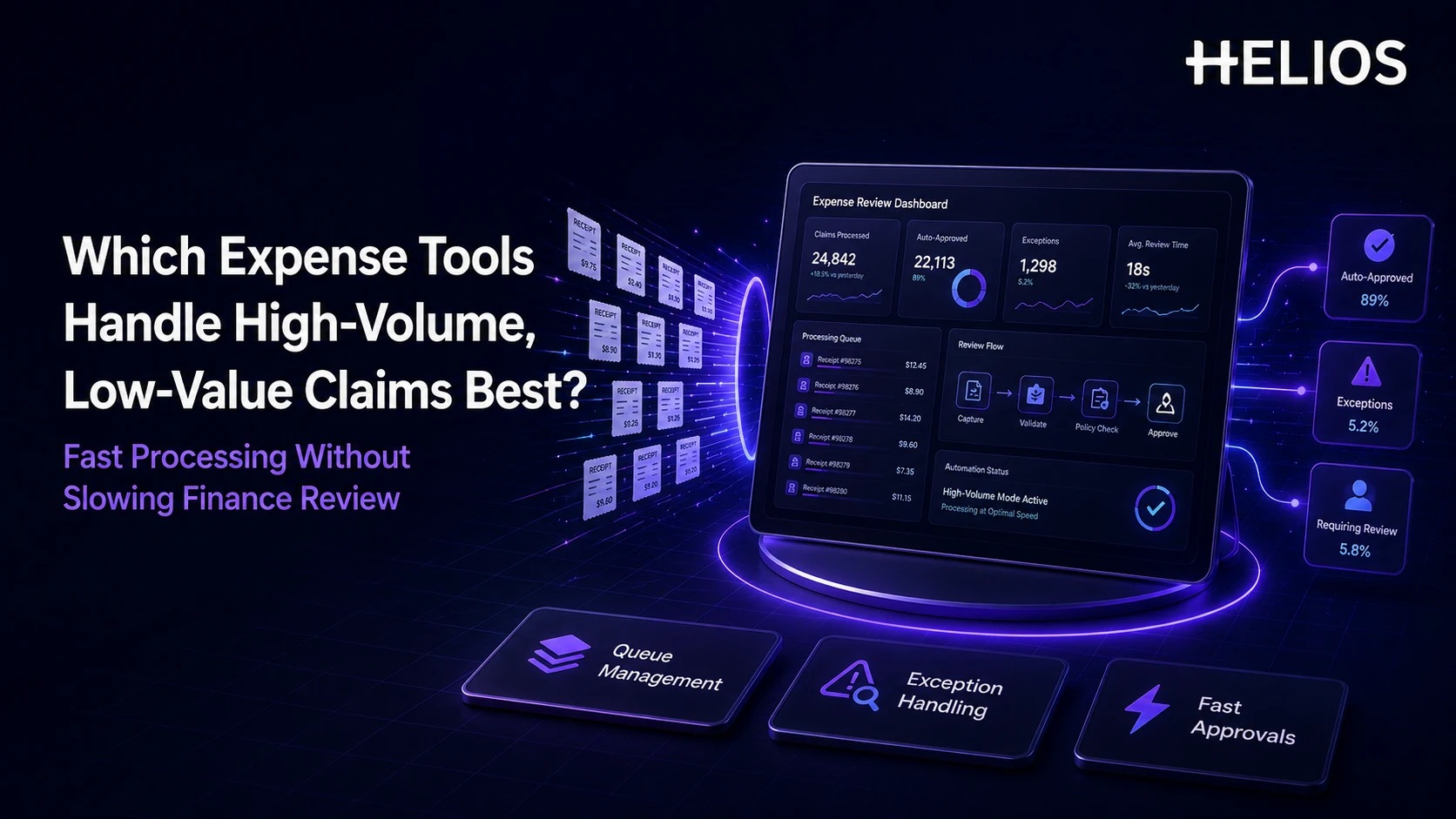
High-volume expense environments are often dominated by low-value claims: taxis, meals, parking, local transport, mileage, small supplies. The problem was never the individual transaction — it's the cumulative finance effort when thousands of routine items get the same manual check as a $5,000 reimbursement.
The best expense management software for this situation automates routine evidence capture and policy checks, keeps the claim traceable, and points people toward the exceptions that actually need judgment. The goal isn't removing control from finance — it's making sure a $12 parking receipt doesn't occupy the same review time as a missing-receipt claim or a duplicate-looking charge.
Why Uniform Review Doesn't Scale
A review process built for occasional, high-value reimbursements breaks down under volume for a simple reason: review cost stops tracking transaction value. A small parking receipt can take almost as long to check line-by-line as a much larger claim, so a flat review process spends the same minutes on both — and the real exceptions (missing documents, duplicate risk, unusual spend) end up buried in the same queue as routine items. Backlogs from this kind of review also hit employees directly: delayed reimbursement, status questions, and more follow-up work for everyone.
The fix isn't automatic approval for anything under a dollar threshold — it's a review model where risk, completeness, and exception status determine how much attention a claim gets, with the fast lane staying rule-based and traceable.
Must-Have Capabilities: A Pilot Checklist
| Requirement | Test it with | Disqualifying failure |
|---|---|---|
| Automated receipt capture | A batch of routine taxi/meal receipts | OCR misses fields and employees end up retyping most of the claim anyway |
| Pre-submission policy and completeness checks | A claim missing a receipt or over a spending limit | Problem surfaces only after finance opens the claim, not before |
| Low-risk routing or auto-approval | A clearly in-policy, low-value claim | No lighter path exists — every claim gets identical manual review regardless of risk |
| Exception-focused queues | A backlog with a mix of routine and flagged claims | Reviewer has to open every claim to find the ones that actually need judgment |
| Reviewer productivity tools | A manager approving from a phone between meetings | Approval requires opening a desktop report one claim at a time |
| Accounting continuity | An approved batch of routine claims | Coding, receipt, or approval history breaks before reaching the ledger |
Expense Management Tool Comparison at a Glance
The strongest fit depends on expense volume, policy complexity, card usage, global requirements, ERP landscape, and how much of the low-risk population you're actually willing to automate.
| Platform | Strongest fit | High-volume review considerations |
| Helios | Enterprise teams seeking AI-assisted expense operations | OCR, policy control, configurable workflows, Approval Copilot, accounting automation; validate the exact low-risk fast-lane design in the pilot. |
| SAP Concur | Large global T&E programs with high review volumes | ExpenseIt automates capture, while Verify and Detect can review broad populations and direct attention to exceptions. |
| Ramp | Organizations combining cards, reimbursements, and automated review | Policy Agent can auto-approve clearly in-policy expenses under defined conditions and escalate uncertain items. |
| Rydoo | Global and mid-market teams with frequent routine expenses | Fast receipt scanning, automated approvals for low-risk expenses, Smart Audit, and real-time reviewer workflows. |
| Expensify | Fast-moving teams prioritizing simple automation | SmartScan, automatic report submission, threshold-based auto-approval, and violation flags reduce routine handling. |
| Zoho Expense | Cost-conscious teams needing configurable automation | Autoscan, automatic report creation/submission, custom approval criteria, and conditional auto-approval support repetitive claims. |
Which Expense Management Tools Fit High-Volume, Low-Value Claims Best?
1. Helios — AI-Assisted Enterprise Expense Operations
Helios combines mobile submission, OCR, policy control, configurable approvals, accounting automation, reporting, and Spark AI. It fits finance teams wanting one controlled workflow with AI-assisted review — the pilot needs to define exactly which routine claims qualify for lighter routing, not assume it out of the box.
2. SAP Concur — Large Global T&E at Scale
Combines ExpenseIt with Verify and Concur Detect for broad automated audit coverage, fitting large global T&E programs that want to review high volumes while directing people toward exceptions. Product packaging and implementation complexity still need separate assessment.
3. Ramp — Card-Centric, Policy-Driven Automation
Strong where cards and reimbursements share one spend-control model. Policy Agent can auto-approve clearly in-policy expenses under defined rules and escalate uncertain items, making Ramp a useful benchmark for low-risk automation design.
4. Rydoo — Frequent Routine Claims and Real-Time Review
Combines fast receipt scanning, configurable policies, low-risk automated approvals, and Smart Audit — a fit for teams that want routine claims moving quickly while exceptions still surface reliably.
5. Expensify — Lightweight Automatic Submission and Approval
Can organize expenses into reports, submit them automatically, flag violations, and auto-approve reports below a configured threshold. Suits fast-moving teams; larger enterprises should still validate governance and accounting requirements before relying on it at scale.
6. Zoho Expense — Cost-Conscious Workflow Automation
Combines autoscan, automatic report creation and submission, custom approval criteria, and conditional auto-approval — practical when claim volume is high but the policy and organization model stay relatively simple.
How a Fast-Lane Review Workflow Should Work
A scalable expense automation model separates routine processing from exception handling without making the decision invisible, in five stages:
- Capture and structure the claim. The employee photographs a receipt, forwards a document, or creates the expense through a mobile or conversational workflow; OCR and master data populate the routine fields.
- Run policy and completeness checks early. Required fields, receipt rules, limits, categories, dates, and duplicates get evaluated before approval, not after.
- Separate the routine population from exceptions. Claims meeting the organization's low-risk criteria follow a lighter approval path; missing evidence, policy exceptions, and unusual transactions get routed for review instead.
- Give reviewers the exception context, not just the form. The reviewer sees the claim, receipt, policy result, relevant warning, and prior actions in one place. AI can summarize the evidence, but the authorized reviewer keeps the material judgment.
- Post and measure from the same record. Approved information moves to reimbursement and accounting while finance tracks exception rates, review time, returns, overrides, and integration errors to keep the fast lane honest.
How to Evaluate a Platform for High-Volume Review
A feature demonstration doesn't prove this works — test with a representative week or month of routine and exceptional claims, and measure whether reviewer effort actually drops.
- Define the low-risk envelope: the categories, amounts, evidence, and policy results that qualify for lighter processing.
- Measure touches per 100 claims — how many need employee correction, manager action, finance review, recoding, or manual accounting work.
- Track exception quality: false alerts, missed issues, overrides, and returned claims.
- Test failure cases: missing receipts, threshold boundaries, splits, duplicate-looking claims, foreign currency, unavailable approvers.
- Protect auditability: source documents, policy results, automation decisions, human actions, and corrections all need to stay linked.
How Helios Supports High-Volume Expense Review
Two capabilities do most of the work here:
- Automated capture and pre-submission policy control. OCR extracts receipt and invoice details while Spark AI Claim Copilot supports conversational submission, and Helios applies spending rules to catch missing information or policy exceptions before a claim ever reaches a reviewer's queue — so the reviewer opens a cleaner claim instead of one still missing basic fields.
- AI-assisted exception review with configurable routing. Approval Copilot can surface low-risk, clearly in-policy claims and flag the ones with missing evidence or unusual patterns, so reviewers spend their attention on exceptions instead of reading every claim with equal care. Configurable workflows (by department, role, cost center) then route those exceptions to the right owner. *Illustrative logic:* if a $15 taxi receipt has a valid receipt attached, falls under the category limit, and matches no duplicate pattern, it can move through the light-review lane; if a claim is missing its receipt or sits over the category threshold, it gets flagged with that specific reason attached rather than landing in the same undifferentiated queue as everything else. Whether any claims skip human review entirely — a true no-touch tier — is a pilot design decision the organization makes and configures, not something to assume is built in; confirm the exact routing logic and audit trail before relying on it.
Accounting automation and analytics dashboards apply on top of both, useful for tuning the process over time, but they're downstream of the two points above — the actual volume relief comes from reviewers spending less time per routine claim, not from claims being invisibly waved through. Organizations evaluating Helios should test real high-volume claims and confirm receipt accuracy, policy configuration, exception routing, accounting mappings, and human-approval boundaries. Helios's website cites a 65% reduction in finance-review time as a reference figure — validate that against your own claim mix and volume rather than assuming it transfers directly. Related Helios guidance on AI audit software for expense review, automated approval workflows, and duplicate payment detection covers the surrounding control model.
FAQs About High-Volume, Low-Value Expense Claims
Should finance manually review every low-value expense?
Not necessarily — most organizations use rules, automated checks, or risk-based review to cut manual effort while keeping human review for exceptions and higher-impact decisions.
Can low-value expense claims be auto-approved?
Some platforms support threshold- or policy-based auto-approval. Use it only for clearly defined low-risk conditions, and keep the decision logic and audit trail visible — an invisible auto-approval rule is a control gap waiting to be found in an audit.
Which metrics actually show whether high-volume review is improving?
Review time, touches per claim, exception rate, return rate, false alerts, overrides, and accounting corrections — compare all of these against your current manual baseline, not against a vendor's benchmark numbers.