
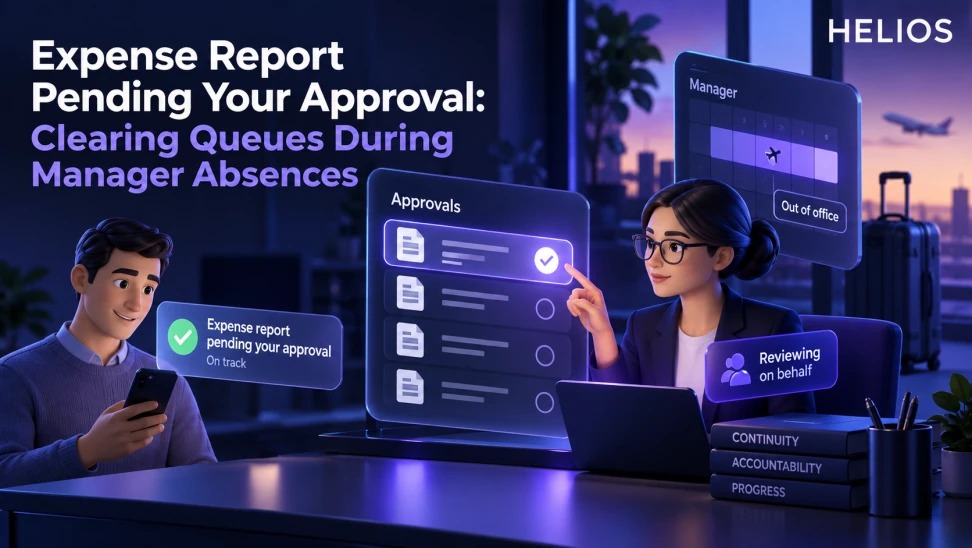
An operations playbook for clearing pending expense reports when a manager is on leave, changes role, or leaves the company.
A practical framework for finance teams
An operations playbook for clearing pending expense reports when a manager is on leave, changes role, or leaves the company.
Helios supports configurable approvals, but specific delegation, reminder, automatic reassignment, and bulk-transfer options must be confirmed. Never bypass authority or rewrite historical approval ownership to clear a queue.
For related guidance, see automated expense approval workflow.
A useful design starts with the decision, then specifies the data, owner, control, timing, and next action. This keeps dashboards, forms, queues, verification, and approvals connected to the work finance must complete.
Expense Report Pending Your Approval at a glance
| Queue condition | Immediate action | Decision owner | Employee message |
| Planned absence | Activate approved delegate | Manager or admin | Named reviewer and timing |
| Unexpected leave | Use emergency alternate path | Finance administrator | Status and expected date |
| Role change | Transfer future authority | HR and system owner | New routing |
| Departure | Disable access and reassign open work | HR, IT, finance | Continuity notice |
| Conflict | Recuse and use independent approver | Compliance or finance | Limited status detail |
For related guidance, see expense platform pilot KPIs.
A clear workflow connects the trigger, evidence, owner, decision, and follow-up.
Explain what pending approval means
The report has reached a workflow step assigned to an approver and cannot advance until the authorized decision is recorded. It may still be waiting because of absence, missing authority, a routing error, or an unresolved exception.
Check current approver, assigned date, age, amount, employee, entity, workflow step, prior decisions, policy result, and service target before changing anything.
For related guidance, see matrix organization approvals.
Prepare for planned manager absences
Managers should clear urgent items, appoint an authorized delegate, define effective dates and scope, disclose conflicts, and tell employees and finance who will review.
The delegate needs the same decision context and only the authority granted. Expired delegation should end automatically or through a documented administrator step.
Handle unplanned leave and departures
Use a documented emergency alternate approver or escalation owner. Coordinate with HR and IT to prevent inactive accounts from retaining queue ownership.
Preserve the original assignment and the reassignment event. Do not approve on behalf of a manager using shared credentials. Review self-approval and segregation-of-duties risks.
Triage the existing queue
Sort by reimbursement age, amount, employee hardship, close impact, trip or project deadline, exception risk, and statutory or policy timing. Assign each item to an authorized owner with a due time.
Separate ready-to-decide reports from claims that need employee correction or specialist review. Bulk approval without evidence review creates a new control problem.
For related guidance, see subsidiary approval rules.
Notify employees clearly
Tell the employee the current status, whether action is required, who now owns the review, and the expected next update. Avoid exposing health, employment, or confidential absence details.
Keep messages consistent across app, email, and support channels. Notify the employee again when a claim is returned, approved, rejected, or escalated.
Find and fix the root cause
Use a troubleshooting tree: active approver, valid authority, workflow condition, entity and role mapping, delegation dates, conflict, missing step, notification delivery, and integration status.
Track queue age, reassigned items, overdue rate, resolution time, employee contacts, and repeat routing failures. Test continuity during organizational changes.
How Helios supports this workflow
Helios can connect mobile expense capture, multilingual OCR, configurable policy controls, role-based approvals, accounting preparation, integration, and multidimensional reporting. Spark AI can assist in confirmed conversational and policy-review scenarios. Exact delegation, reminder, transfer, risk-scoring, conflict detection, algorithm, and integration behavior should be validated during implementation.
For related guidance, see Spark AI.
- Route approvals using configurable roles and conditions.
- Present claim, receipt, purpose, and policy context.
- Record decisions, returns, comments, and workflow status.
- Support role-based approval continuity through validated configuration.
- Report pending items and aging for operations follow-up.
- Provide employee status visibility within the workflow.
A practical conclusion
Design around the decision and the accountable person. Make evidence easy to find, exceptions visible, and next actions explicit. Measure whether the workflow improves control, speed, and employee experience.
See how Helios can support this workflow. Request a Helios demo.
FAQ
What does “expense report pending your approval” mean?
The report is assigned to an approval step and is waiting for an authorized reviewer to decide or return it.
What happens when the manager is away?
Use a documented delegate, alternate approver, or escalation path with effective dates, scope, and preserved history.
Can finance approve on the manager’s behalf?
Only when the delegation matrix explicitly gives finance that authority; otherwise route to the designated alternate.
How should old pending reports be prioritized?
Use age, employee impact, amount, close risk, deadlines, exception risk, and readiness for decision.
What should employees be told?
Provide current status, action required, responsible reviewer, and expected update without revealing confidential absence details.
Does Helios reassign approvals automatically?
Helios supports configurable approval workflows; exact delegation and automatic reassignment behavior must be confirmed.